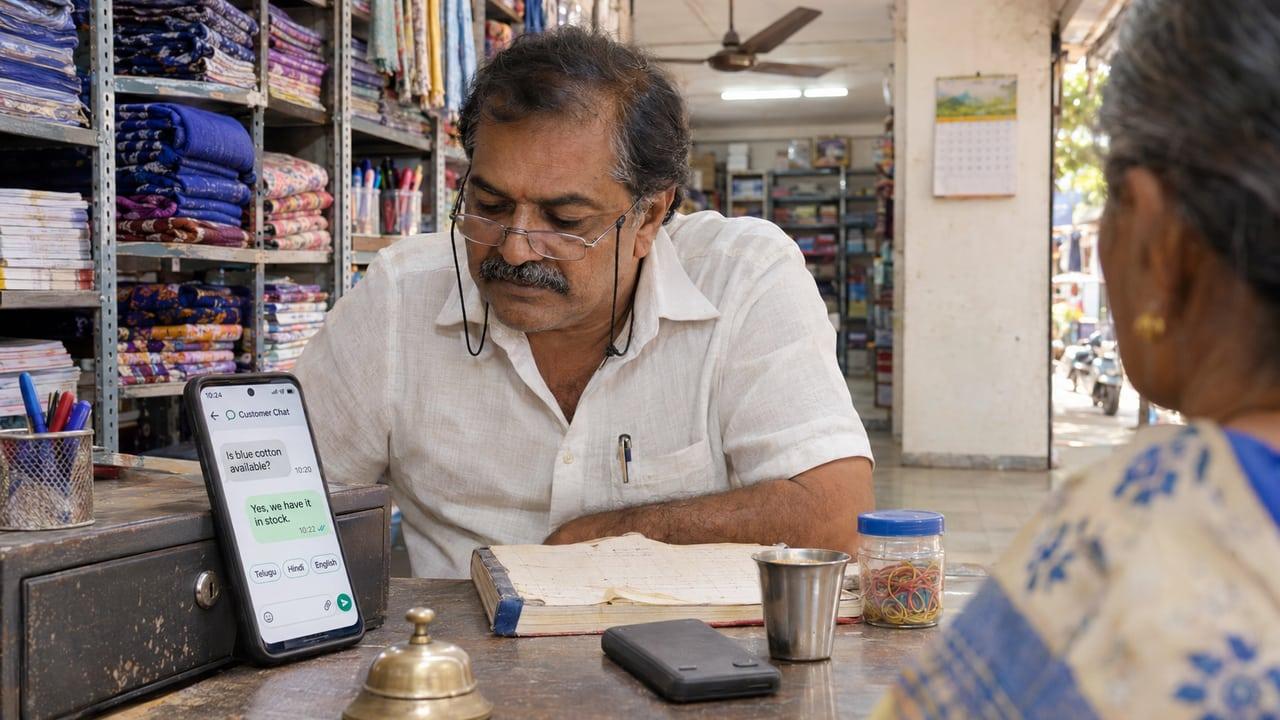
The key points
- Language support is no longer the hard part. Major translation and language models list most scheduled Indian languages.
- Most customers type Indian languages in English letters on their phones, so the bot must handle romanized input, not just native script.
- Quality varies by language and topic. Test the questions your customers actually ask, in the languages they actually use.
- Fixed messages such as WhatsApp templates are approved per language, so plan which languages get written templates.
- A human handoff that keeps the language matters more than adding a tenth language.
Which Indian languages can a chatbot handle today?
More than most businesses need. Google's Cloud Translation lists Hindi, Telugu, Tamil, Kannada, Malayalam, Marathi, Bengali, Gujarati, Punjabi, Urdu and others as supported languages, and large language models used in chatbots generally cover the same set. WhatsApp's Cloud API supports message templates in Hindi, Telugu, Tamil, Kannada, Malayalam, Marathi, Bengali, Gujarati, Punjabi and Urdu, each with its own language code.
Support on a list does not mean equal quality. Languages with a lot of written text online tend to produce more natural replies than languages with less. Formal vocabulary for medicine, law or engineering is harder than everyday conversation in every language. The right question is not whether the bot supports Telugu but whether it answers your customers' twenty most common Telugu questions correctly.
Why does romanized text matter so much?
Because that is how people type. A customer in Hyderabad is more likely to write 'appointment kavali, repu evening possible aa' than to switch to a Telugu keyboard. A customer in Delhi writes Hindi in English letters, mixed with English words. A bot tested only on native script will look good in a demo and fail on real chats.
Modern models handle this better than older rule-based bots, because they learned from real mixed text rather than a dictionary. Tools exist for the other direction too: Google documents a romanization feature that converts text in some scripts into Latin letters. Romanized input still deserves its own test set, because spellings vary from person to person and there is no standard way to write a Telugu word in English letters.
Reply in the form the customer used. If they wrote in romanized Hindi, a reply in formal Devanagari can read as distant. The Telugu and Hindi build notes on our multilingual chatbot page go deeper on this.
What changes between a website bot and a WhatsApp bot?
On a website, the bot answers inside your page, and you control every message. On WhatsApp, free-form replies are allowed inside the customer service window after the customer writes to you, but messages you start, such as reminders and follow-ups, must use approved templates. Templates are written and approved for a specific language, so a reminder in Telugu needs its own approved Telugu template.
That makes language a content decision as well as a model decision. Pick the two or three languages your customers use, write the templates properly in each, and let the AI handle open conversation. Building a WhatsApp chatbot covers the rest of the setup, and the WhatsApp automation service explains how bookings and follow-ups connect to it.
How should the bot hand over to a person?
In the customer's language, with the conversation attached. The worst outcome is a customer who explained a problem in Hindi being passed to a staff member who asks them to repeat it in English. Route handoffs to someone who speaks the language, or at least give the staff member a translated summary and the original text.
Decide in advance which topics always go to a person: complaints, payments, medical or legal questions, and anything the bot has answered wrongly before. An AI chatbot that knows when to stop is worth more than one that answers everything in eleven languages.
Does language affect data protection duties?
It can. India's DPDP Act says people must be able to read your consent notice in English or in any language in the Eighth Schedule to the Constitution. If your chatbot collects names and phone numbers in Telugu, the notice that explains why should be readable in Telugu too. The DPDP guide covers notices, vendors and breaches in more detail.
How to test a multilingual chatbot before launch
Count the languages you receive
Read your last few hundred enquiries and note the language and script of each. That list decides scope, not a vendor's feature page.
Build a real test set
Collect thirty to fifty real questions per language, including romanized and mixed-language messages, with the correct answers.
Have a native speaker grade replies
Check accuracy, tone and whether the reply matches the customer's script. Fluent nonsense is the failure to look for.
Test the handoff
Confirm a person receives the full conversation and can reply in the same language.
Recheck after every change
Re-run the test set whenever you change the knowledge base, prompts or model, because quality can shift by language.
Multilingual chatbot checklist
- Languages chosen from real enquiry data
- Romanized and mixed-language messages in the test set
- Native speakers grade the replies
- WhatsApp templates written and approved per language
- Handoff keeps the language and the conversation history
- Sensitive topics always route to a person
- Consent notice readable in the languages the bot uses
Sources
Rules and guidance this answer relies on. Policies change, so check the current version before acting on it.