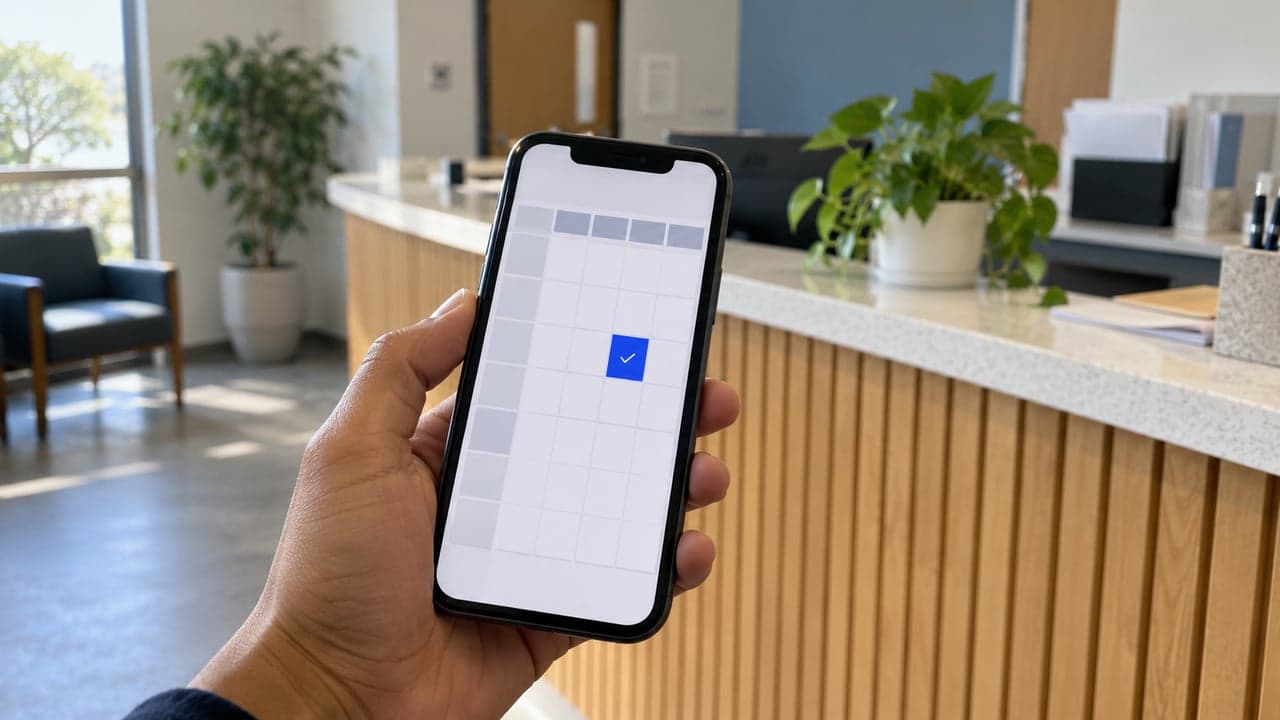
The key points
- Booking works against your actual calendar, not a guess.
- Availability rules must be clear: durations, buffers, working hours.
- Reminders and no-show recovery reduce lost slots.
- Unusual requests should go to a person.
What does a chatbot need to book reliably?
A calendar it can read and write, and rules it can follow: working hours, appointment lengths, buffers between slots, who is available for which service. Where those rules live only in someone's head, defining them is the first job. Once they are explicit, booking is predictable and double bookings stop.
What happens before and after the booking?
Before: the bot can qualify the request, collecting what your team needs to prepare. After: confirmations and reminders go out automatically, and missed-lead and no-show follow-ups can recover slots that would otherwise be lost. Owner alerts and daily summaries show what was booked without anyone asking.
- Qualify the request before the slot is offered
- Confirm and remind automatically
- Follow up no-shows and unanswered enquiries
- Alert the owner and summarize the day
When should a person step in?
For anything outside the rules, the cases an AI receptionist should hand over: unusual durations, special cases, complaints and anything where a mistake would be costly. The bot should say it will check with a colleague, and the handoff should carry the conversation so the customer is not asked to start again.
Review the bookings it makes in the first weeks. Reading a sample of conversations shows where customers phrase requests in ways the rules did not expect, such as asking for the next available time rather than naming a date, and those patterns are cheap to fix once they are visible.
Before automating bookings
- Which calendar is the source of truth?
- What are your hours, durations and buffers?
- Who handles requests outside the rules?
- What reminders should go out, and when?
- How will no-shows be followed up?
Sources
Rules and guidance this answer relies on. Policies change, so check the current version before acting on it.