The key points
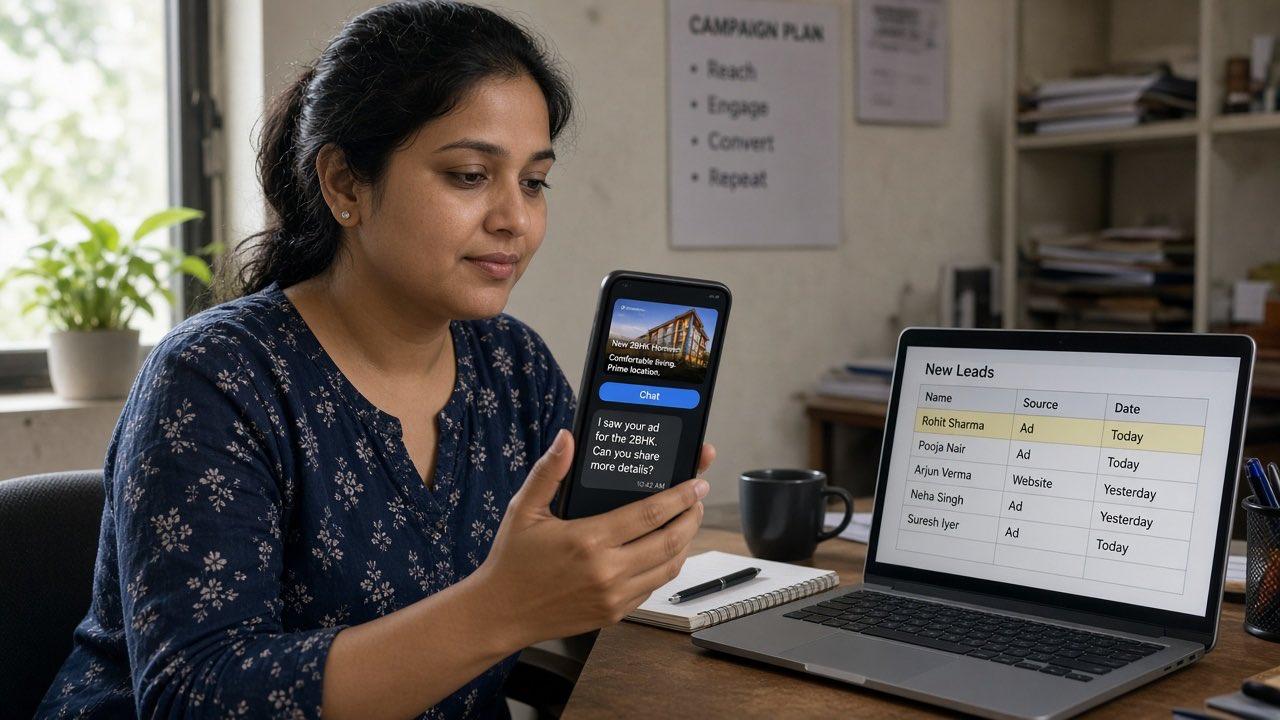
- The lead is created by the messages webhook, not by a form: the first inbound message carries messages[].referral.
- Store ctwa_clid with the conversation. It is the identifier Meta uses to match a later conversion to the click.
- Meta's Conversions API for Business Messaging accepts events such as LeadSubmitted, QualifiedLead and Purchase with action_source business_messaging.
- Meta does not deduplicate messaging events, so your system must send each one once.
What data arrives when someone taps the ad?
Meta's welcome message sequences page shows the webhook for a conversation started after a user clicks an ad. The messages entry includes a `referral` object with `source_url` (the link to the ad or post), `source_id` (the ad id), `source_type`, `headline`, `body`, `media_type`, the media URLs and `ctwa_clid`, alongside the contact and the first message. Meta's Conversions API guide for business messaging gives the location as `messages[].referral.ctwa_clid` in the Messages webhook.
That one payload answers the two questions a CRM needs on day one: who is this, and which ad brought them. The phone number identifies the person. The referral object identifies the ad, and `source_id` lets you report leads per ad instead of per campaign.
How does the webhook become a lead?
The webhook handler checks whether the number already exists in the CRM. If it does, it adds a conversation and a note that the contact came back through an ad. If it does not, it creates a lead with the source set to the ad, and stores source_id, headline and ctwa_clid on that lead. The message text is saved as the first activity.
The ad is the lead's entry point, so the first reply matters, and the auto reply a new chat receives should name the business and give one next step; the first personal message from your team then follows the four lines of a WhatsApp Business introduction message. Inside the customer service window you can answer in free-form text. Meta's pricing page also describes a free entry point window of up to 7 days for conversations started from a click-to-WhatsApp ad, in which marketing, utility, authentication and service messages are free. Check the current terms there before you plan a follow-up sequence around it.
How does the CRM tell Meta which ads produce good leads?
Through the Conversions API for Business Messaging. The onboarding guide describes the steps: create a dataset for your WhatsApp Business Account with a POST to its dataset edge, then send events with a POST to the dataset's events edge. Each event carries `event_name`, `event_time`, `action_source` set to `business_messaging`, `messaging_channel` set to `whatsapp`, a `user_data` object with the WhatsApp Business Account id and the `ctwa_clid`, and `custom_data` with currency and value for a purchase.
The documented event names include LeadSubmitted, QualifiedLead, InitiateCheckout, OrderCreated and Purchase. Send QualifiedLead when your team marks the lead as worth pursuing and Purchase when the order is paid, so Meta optimises toward people who become customers and not toward people who only send a first message. The guide lists the whatsapp_business_manage_events permission, and it says to send ctwa_clid whenever you have it because it matches more reliably than other identifiers. Without it, matching falls back to hashed customer data and a 7-day attribution window, and the guide notes that path is available only in some countries.
Meta does not deduplicate messaging events. The CRM records that an event has been sent for a lead and a stage, and never sends it twice. Events should reflect what happened in the messaging thread; a sale closed elsewhere goes through the web or app Conversions API.
Where does the rest of the pipeline sit?
After the lead exists, it behaves like any other: an owner is assigned, the first human reply is timed, follow-up runs for leads who go quiet, and stages move from new to qualified to won. For a builder or broker, qualified means budget, configuration and location are captured and a site visit is booked, which a real estate chatbot can run from the first reply. Stage changes are what trigger the Conversions API events, which is why the CRM and the ad account should be wired together once and not by hand each week.
LeadFlow is Softivum's lead pipeline for WhatsApp, website and ad-form leads, including the CRM sync and follow-up. Meta and Google Ads runs the click-to-WhatsApp campaigns in your own ad account with the tracking set before launch. Custom CRM development is the route when the pipeline stages, ownership rules and reports need to match how your team sells; for a builder that means unit inventory, partner credit and site visits, set out in what a real estate CRM should do for an Indian builder. For the ad side of lead quality, see why ads get clicks but no leads. Whether those leads land in a platform inbox or your own Cloud API setup is compared in WATI vs Interakt vs AiSensy vs the Cloud API.
From click-to-WhatsApp ad to CRM lead and back to Meta
| Step | What happens | Data to store |
|---|---|---|
| Ad tap | The user opens WhatsApp with your number and sends a message | Nothing yet on your side |
| First message webhook | WhatsApp posts the message to your endpoint with a referral object | Phone number, message, source_id, headline, ctwa_clid |
| Lead created | CRM adds or updates the contact, sets the source to the ad, assigns an owner | Lead id linked to ctwa_clid |
| Qualified or sold | Team moves the stage in the CRM | Stage, order value, currency |
| Event sent | Conversions API POST to the dataset with business_messaging | Event name, time, sent flag per stage |
Before you scale click-to-WhatsApp spend
- The messages webhook is verified and stores the full referral object
- ctwa_clid is saved on the lead and never overwritten by a later message
- A repeat contact updates the existing lead instead of creating a duplicate
- A dataset exists for the WhatsApp Business Account and test events show in Events Manager
- Each CRM stage that matters sends one Conversions API event, once
- Reports show leads, qualified leads and sales per ad (source_id)
- First-reply time is measured, and unanswered leads trigger a follow-up
Sources
Rules and guidance this answer relies on. Policies change, so check the current version before acting on it.