The key points
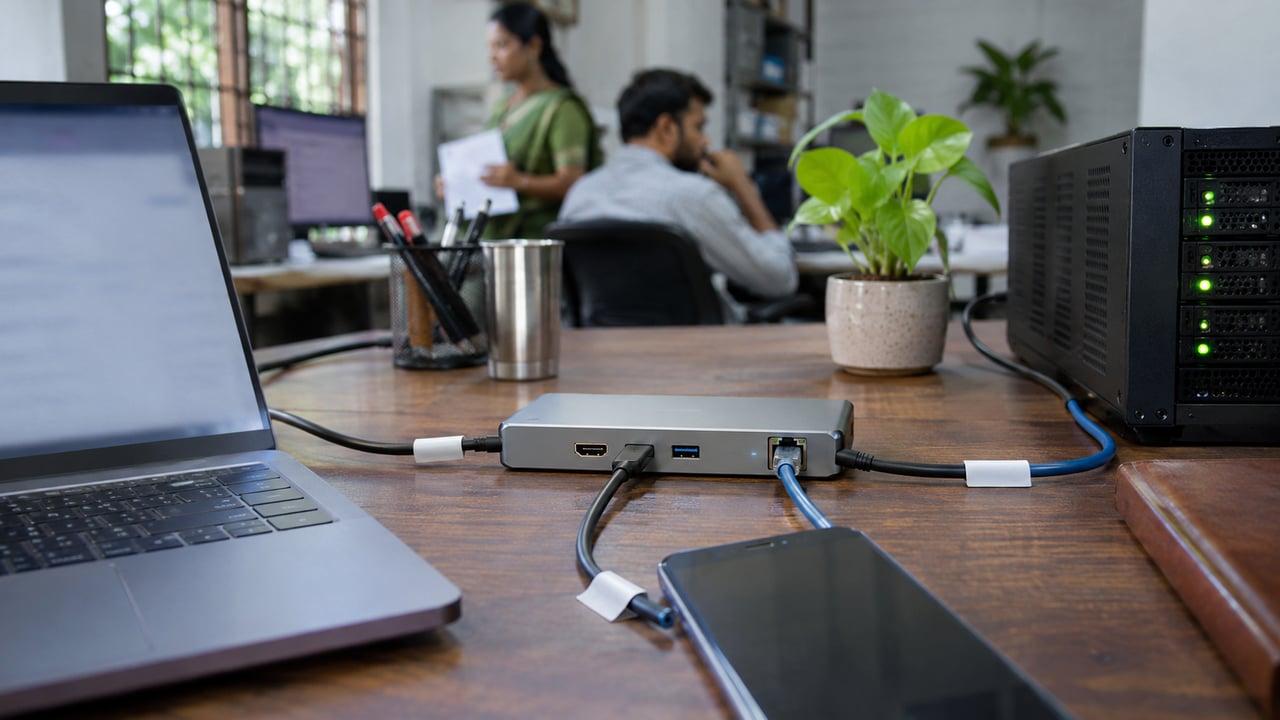
- MCP is an open-source standard for connecting AI applications to external systems, often compared to a USB-C port.
- A server can offer tools (actions), resources (data) and prompts (templates), and each is controlled by a different party.
- Build one when several AI apps or teams need the same access; skip it when one agent calls your API directly.
- The specification requires servers to validate inputs, control access, rate limit and sanitize outputs.
- Start with a few narrow, read-only tools and add actions behind approval.
What is an MCP server?
MCP stands for Model Context Protocol. The official introduction calls it an open-source standard for connecting AI applications to external systems, and compares it to a USB-C port: one standard way to plug AI applications into data sources, tools and workflows. An MCP server is the program on your side of that plug. It tells an AI application what your system can do and carries out the request.
The protocol has three participants. The architecture page defines the host as the AI application, such as Claude Desktop or Visual Studio Code, the client as the component inside the host that keeps one connection to a server, and the server as the program that provides context. A server can run on the same machine as the host, or remotely.
What can an MCP server offer an AI app?
Three kinds of thing. The specification names them prompts, resources and tools. Tools are executable functions that let a model perform actions or retrieve information, such as creating an invoice draft or searching orders. Resources are structured data that gives the model context, such as a file's contents or a record. Prompts are reusable templates, such as a slash command a person chooses.
The useful detail is who controls each. In the specification's server overview, prompts are user-controlled, resources are application-controlled, and tools are model-controlled, meaning the model can discover and call them on its own. That last point is why tool design and approval matter, and why what an agent may do without approval is a decision to make before you expose a tool.
Does your business need an MCP server?
When an AI application you do not build yourself, such as Claude, ChatGPT or a coding assistant, needs to reach your system, or several of them need the same access. If you want your team to ask Claude or ChatGPT about live orders, tickets or stock, and later use the same access from a different AI tool, one MCP server serves them all instead of a separate integration for each. The introduction describes this as building once and integrating everywhere.
Many businesses do not need one. If a single agent you control calls your own API, a normal function in that agent's code is simpler. If a fixed sequence of steps does the job, a workflow in a tool such as n8n is simpler still, and the comparison of Zapier, Make and n8n helps choose. The table below puts the cases side by side.
How does a local server differ from a remote one?
The architecture page describes two transports. A local server runs on the same machine as the host and talks over standard input and output, and it typically serves a single client. A remote server uses the Streamable HTTP transport, can serve many clients, and supports standard HTTP authentication such as bearer tokens and API keys. MCP recommends using OAuth to obtain tokens.
For a business, local suits one person's desktop tool, such as an assistant reading a folder. Remote suits anything shared by a team or customers, because it runs on your infrastructure and can be updated in one place.
What security does an MCP server need?
The tools specification sets the minimum. Servers must validate all tool inputs, implement proper access controls, rate limit tool invocations and sanitize tool outputs. Clients should ask for user confirmation on sensitive operations, show tool inputs to the user before calling the server, and log tool use for audit. The specification also says there should always be a human in the loop with the ability to deny tool invocations.
For a remote server, the authorization specification adds rules. Authorization is optional in the protocol, but when you use it over HTTP the server acts as an OAuth 2.1 resource server. It must validate that an access token was issued specifically for it, and must not accept or pass on any other tokens. For a local server, the same page says to take credentials from the environment instead.
Your own rules sit on top. Give each tool the least access that works, prefer read-only tools first, and treat everything a tool returns as text a model will read: strip secrets from it, and treat customer-written content as untrusted: label it as data and keep tools that change records behind approval, because instructions hidden in it can still steer the model. Where the data is personal, the questions in how your data is handled when you add AI features apply to the server too.
What does it take to build one?
Official SDKs handle the protocol: the architecture page lists SDKs for several programming languages and MCP Inspector, a tool for testing a server. The work is design: which tools exist, what each one is called and described, what input it accepts, and what it is allowed to touch.
Connecting AI applications to your systems is the work of AI integrations, and the permissions, approval gates and logging above are how Softivum scopes it for AI agents too.
MCP server or plain API call: which fits
| Situation | Better fit | Why |
|---|---|---|
| One in-house agent calls your own system | Direct API call in the agent's code | No standard needed; fewer moving parts |
| A fixed sequence of steps, such as order in then message out | A workflow tool | The order never changes, so a model need not choose the steps |
| Your team wants several AI apps to reach the same live data | MCP server | One server works with every client that supports MCP |
| Customers or partners should use their own AI assistant with your service | Remote MCP server with OAuth | Standard connection and sign-in, run on your infrastructure |
| One person's desktop assistant needs local files or a local database | Local MCP server | Runs on the same machine over standard input and output |
Build a first MCP server
Pick the job
Name the question or task people want an AI app to handle, such as looking up an order's status, and the system that holds the answer.
Define three to five narrow tools
One tool per clear action, each with a plain name, a description, and a strict input schema. Avoid one open-ended tool that can do anything.
Start read-only
Expose reads first. Add actions that change records later, each one behind approval.
Add sign-in and limits
For a remote server use OAuth, check the token was issued for your server, validate every input, and rate limit calls.
Test with a real client
Use MCP Inspector and a real AI application, and try wrong, oversized and hostile inputs.
Log every call
Record who called which tool with which input and what came back, and review it on a schedule.
Before you expose a system through MCP
- An AI app you do not build yourself, or several of them, needs this access
- Each tool is narrow, named clearly and has a strict input schema
- The first release is read-only
- Inputs are validated and calls are rate limited
- A remote server checks tokens were issued for it and does not forward other tokens
- Actions that change data wait for a person's approval
- Every tool call is logged
Sources
Rules and guidance this answer relies on. Policies change, so check the current version before acting on it.