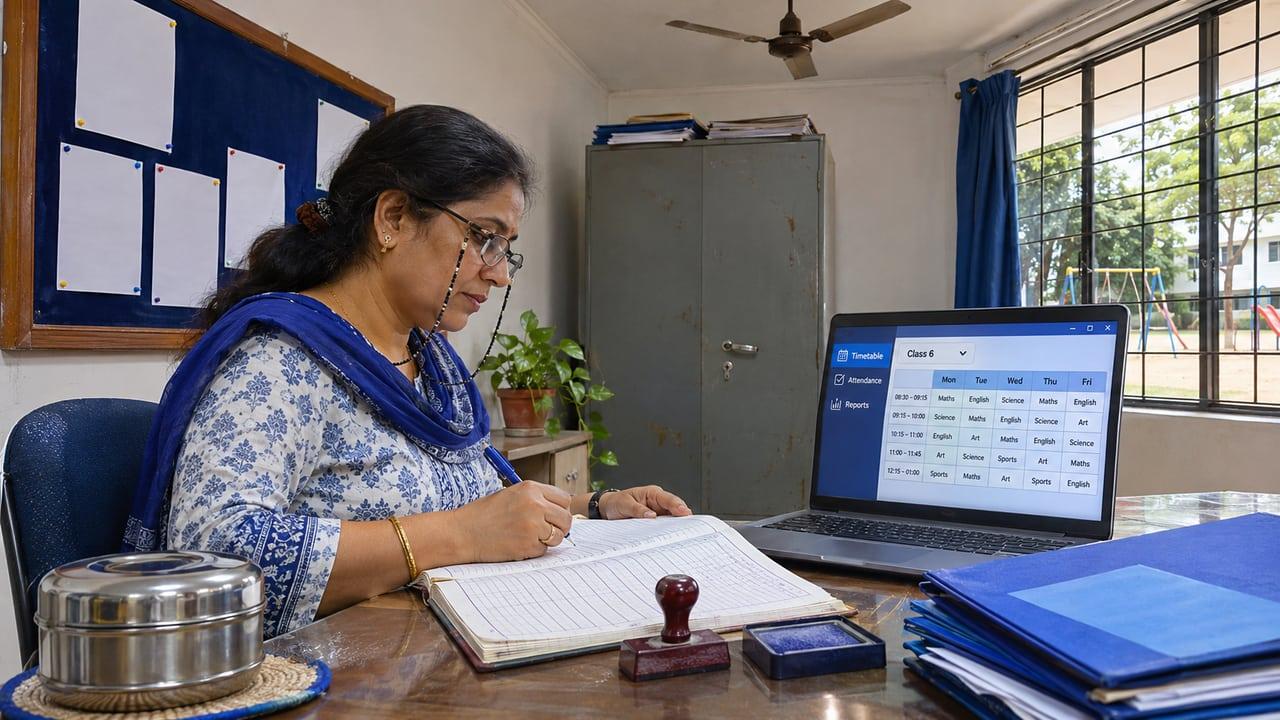
The key points
- Start from the daily tasks of the office, teachers and parents, not from a feature list.
- Fees, attendance and report cards are the modules that decide whether staff actually use the system.
- Role-based access and an audit trail matter because the records belong to children.
- Data export and clear ownership of records protect the school if it ever changes vendor.
Which modules does a school really need?
A school runs on a small number of repeating tasks: taking an enquiry, admitting a student, marking attendance, collecting fees, setting exams, printing report cards and keeping parents informed. Software earns its place by making each of those faster and less error-prone, so list your own tasks first and match modules to them rather than buying everything on a vendor's brochure.
The core set is admissions and enquiry tracking, a single student record, attendance, fee management, timetable and class allocation, examinations with report cards, and parent communication. Extras such as transport, library, hostel, payroll and inventory are useful only if you run those functions and would otherwise track them on paper or spreadsheets.
- Admissions: enquiry to application to admission, with follow-up reminders
- Student record: one profile, one source of truth, linked to guardians
- Attendance: daily or period-wise, with absence alerts to parents
- Fees: fee heads, concessions, part-payments, receipts and dues
- Exams: marks entry, grading rules and printable report cards
- Communication: notices, circulars and one-to-one parent messages
Why do fees, attendance and report cards decide adoption?
Staff adopt software when it removes work they already hate. Fee collection and receipts, daily attendance and report-card season are the three heaviest recurring burdens in most schools, so a system that handles them cleanly gets used and one that does not is quietly abandoned for registers and spreadsheets.
Report cards deserve particular attention because formats differ by board and often by school. Ask whether grading rules, co-scholastic areas and remarks can be configured to your pattern, or whether you will be forced to fit a vendor's template. The same question applies to fee structures, where concessions, sibling discounts and late fees vary widely between schools. Our guide to online fee collection covers that module in more depth.
What controls should protect student data?
Every record in the system is about a child, so access should follow roles: a class teacher sees their own class, the accounts office sees fees but not health notes, and only a few administrators can export or delete. An audit trail that records who viewed or changed a record helps you answer a parent's question and shows regulators you took care. The DPDP Act obligations for schools explain why this is more than good practice.
Also check where data is hosted, how backups work, and whether you can export everything in a standard format. A school that cannot take its records elsewhere is tied to its vendor, however good the software is today.
How do you check a system against your own school?
Ask the vendor or builder to run one real week of your school through a demo: an admission, a fee payment with a concession, a day of attendance with absences and a report-card run for one class. A system that handles your exceptions in the demo will handle them in term time. Our school management software buyer's guide lists further questions, and the solution page describes what we build.
Checks before choosing school software
- Each daily task of the office, teachers and parents is listed and mapped to a module
- Fee heads, concessions and late-fee rules can be configured, not just chosen from a fixed list
- Report-card formats can match your board and your school's pattern
- Roles limit what each user can see, and an audit trail records changes
- All records can be exported in a standard format at any time
- A real week of your school has been run through a demo
Sources
Rules and guidance this answer relies on. Policies change, so check the current version before acting on it.