The key points
- Pilot with a handful of willing partners and fix what they find before widening.
- Pick one task that is clearly faster in the portal than by email.
- Retire the old route for that task, or people will keep using it.
- Measure real use, such as orders confirmed in the portal, not logins created.
Why do portals go unused?
Rarely because the software is broken. More often the portal asks the other party to do extra work for your benefit and gives nothing back, or it was announced to everyone at once with a single email and then left running next to the old process. If email still works, email wins.
Think from the supplier's or dealer's side. A busy workshop owner will log in if it saves them a phone call, such as seeing whether an invoice is approved, or finding the dispatch details for an order, where the vehicle and e-way bill reference come from the transporter's Part-B update. They will not log in to re-enter data you could already read from your own ERP. The portal must give them an answer they want, not just collect data you want.
How should you run a pilot?
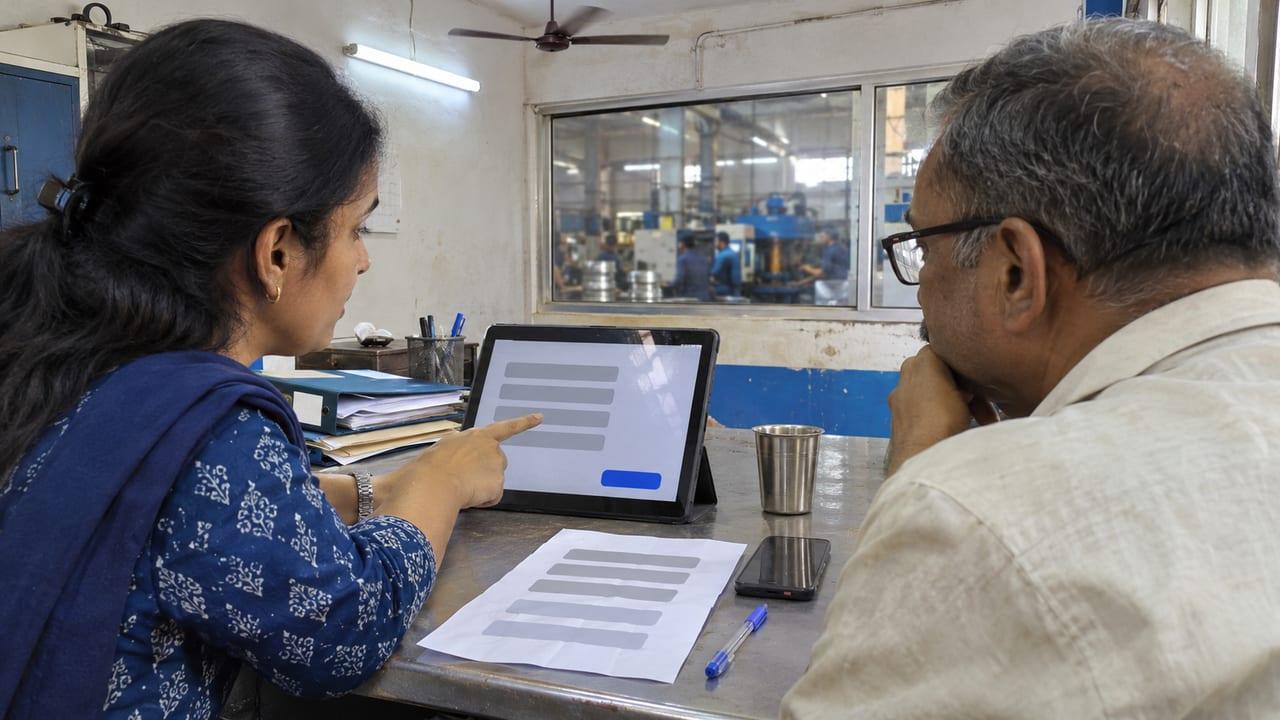
Choose a few partners who are willing and representative: perhaps one large, one small, and one who is not comfortable with technology. Give them one task, for example confirming purchase order dates, or placing reorders. Sit with them for the first session, watch where they hesitate and fix that. The GOV.UK Service Manual describes a beta phase in which a service is tested with real users and improved before being opened up, and the logic transfers directly to a portal.
Track what happened in the pilot: how many of the pilot group's orders were confirmed in the portal, how many support calls it generated, and what they asked for next. Those numbers tell you whether to widen the rollout or fix something first. A phased build of a custom portal makes this practical, since each release can target the next group.
How do you make the portal the easiest route?
Make logging in painless: invite by email with a one-time link, support a password reset the supplier can do alone, and keep the first screen to the single task they came for. Send a notification that links straight to the item, such as a new purchase order, rather than a generic reminder to log in. Mobile use matters, since many small suppliers will use a phone, and for small retailers who already live in WhatsApp, structured WhatsApp ordering is often the easier first channel.
Then remove the alternative. When the pilot group is comfortable, tell them that purchase order confirmations will only be accepted through the portal from a set date, and let your own team stop retyping emails. Workflow automation can send the reminders and route exceptions, so the change does not become extra work for your staff. If you are still choosing between channels, portal vs EDI vs email explains where each fits.
What should you measure?
Measure behaviour, not accounts. Useful measures are the share of purchase orders confirmed through the portal, time from order to confirmation, number of status queries by phone or email, and how many partners used the portal in the last month. Accounts created is a vanity figure: it says you invited people, not that anything changed.
Portal adoption checklist
- Have you chosen a pilot group that includes a large, a small and a less technical partner?
- Is there one clear task that is faster in the portal than by email?
- Does the portal give partners an answer they want, not only data you want?
- Is login simple: an email invitation, a self-service reset and a phone-friendly screen?
- Do notifications link directly to the item that needs action?
- Is someone available to help partners in the first weeks?
- Do you have a date after which the old route stops for that task?
- Are you measuring real use, such as confirmations received through the portal?
Sources
Rules and guidance this answer relies on. Policies change, so check the current version before acting on it.