The key points
- WhatsApp wins on adoption and setup speed; a portal wins on pricing, credit checks and history; a retailer app sits between them for repeat baskets.
- Choose by retailer count, how often they reorder and how large your range is, not by what looks most modern.
- Free-text WhatsApp is the weakest form; catalog messages and forms make the same channel structured.
- Whatever channels you run, every order must land in one order record with one price and one status.
- Phase it: structured WhatsApp first, then a portal or app for the accounts that outgrow it.
What are you actually choosing between?
Three channels do the same job, which is getting a retailer's order into your system correctly, and they differ in how much work they leave with the retailer and with your order desk. The decision is easier once each one is described by what the retailer does.
WhatsApp ordering has three levels. At the bottom is free text: the retailer types or dictates a list and your team reads it. In the middle, you send a catalog or product message that shows items inside the chat, and the retailer browses the range without leaving the chat. At the top, a WhatsApp Flow gives a structured form inside the conversation: product, quantity, delivery date. Meta describes Flows as a way to build structured interactions for business messaging, which is exactly the property a free-text order lacks.
A retailer app is an installable mobile app that holds your catalog, the retailer's price and scheme, and their order history. A web B2B portal is the same functions in a browser, with more room for statements, invoices, credit position, approvals and several users per account. Both need a login, which is the whole difference from WhatsApp: the retailer has to be set up, and has to remember to use it. For the portal side in depth, see what a B2B portal does for a manufacturer.
How do the three compare on the dimensions that matter?
The comparison table further down scores each channel as it is usually built for a distributor. The WhatsApp column assumes structured ordering (catalog message or Flow) feeding an order record; free-text WhatsApp is weaker on every row that involves accuracy, pricing and credit.
Two rows deserve a note. Credit and stock checks are not a property of the channel: any of the three can check a retailer's credit limit and stock before accepting an order if it is connected to your accounting or ERP system, and none can if it is not. Checking a retailer's credit limit before accepting a WhatsApp order walks through that decision for WhatsApp orders. Running cost is listed by type and not by amount, because the figures depend on volume and on the provider you pick; for WhatsApp, Meta charges per delivered message and publishes its current pricing, so read it before you model costs.
Which channel suits which distributor?
Three facts about your business settle most of the choice: how many retailers order, how often each one reorders the same things, and how wide your range is.
With a few dozen retailers, a stable range and orders that arrive in a handful of messages a day, structured WhatsApp is enough, and anything heavier costs more than it saves. With hundreds of retailers placing orders most days, free text collapses: the order desk spends the morning re-keying, and mistakes in quantities and pack sizes reach the warehouse. That volume justifies a proper order record behind WhatsApp and a portal or app for the retailers who order often, and once several distributors bill those retailers, a distributor management system that reads secondary sales from their books keeps the brand's view in one place.
Repeat versus ad hoc matters as much as count. A retailer who buys the same twenty items every week needs a saved basket and a one-tap reorder, which an app or portal does well and a chat does badly. A retailer who orders one-off items when a customer asks is happier typing to a person. Range size works the same way: a distributor with a short, stable list can show the whole thing in a WhatsApp catalog, while a range of thousands of SKUs with pack and variant combinations needs search, filters and a cart, which means an app or portal.
Retailer type is the last filter. Small kirana-style outlets will rarely install another app for one supplier; they already live in WhatsApp. Sub-distributors, large dealers and institutional buyers often want statements, credit position and several staff logins, which is portal territory. Many distributors have both kinds of customer, which is why the answer is usually two channels with one record, not one channel for everyone.
Worked example: a hardware distributor moves off free-text orders
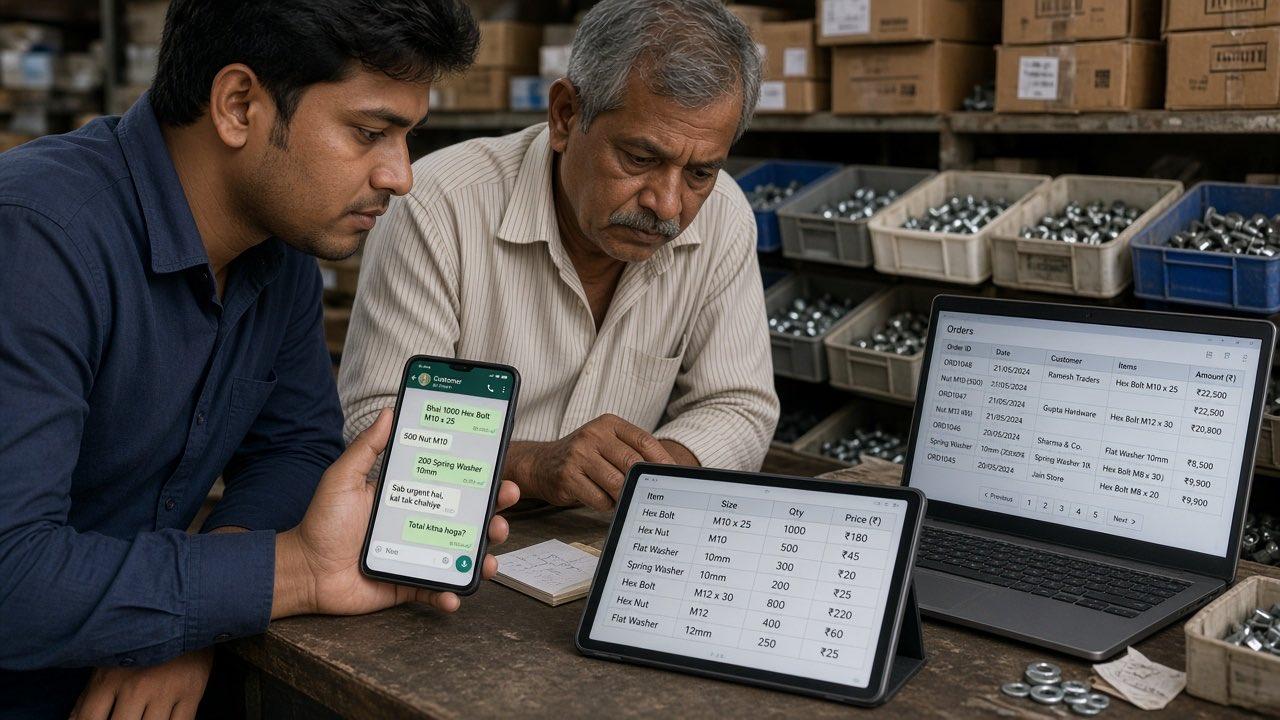
Take a hardware distributor with a few hundred retailers and a small field team. Orders arrive three ways today: reps note them in a book, big retailers phone the counter, and a growing number send WhatsApp messages with a list. The order desk re-types everything into the accounting system, and the same retailer sometimes orders through a rep and on WhatsApp in the same week.
Phase one gives each retailer one WhatsApp number to order on, with a catalog message of the fast-moving range and a Flow for the full list. Each submitted order is validated against the item master and the retailer's price, then written into one order record. The retailer gets a confirmation message with the lines and total, and a human sees anything the system cannot match. The order desk stops re-typing, and the rep sees the order against their retailer.
Phase two looks at who ordered most often. The top retailers get a portal login with saved baskets, their own prices and schemes, and statements. Everyone else stays on WhatsApp. Both channels write to the same record, so the desk works one queue and a retailer who switches channel sees the same history. The sequencing mirrors the advice in getting dealers to use a new portal: pilot with a few willing accounts, make the portal the easiest route for them, and only then widen it.
What are the WhatsApp rules you need to design around?
WhatsApp is not a free-for-all channel, and the rules shape the design. The WhatsApp Business policy allows you to message people only when they have given you their number and you hold opt-in permission confirming they want to hear from you, and it requires you to honour requests to block or opt out. For a distributor this is easy: capture opt-in when the retailer is onboarded, record it against the account, and open with a short introduction message that tells the retailer who is writing and why.
Timing is the second rule. When a retailer messages you, a 24-hour customer service window opens, and a new message from them resets it. While it is open you can send free-form replies, such as an order confirmation or a clarification. When it closes you can only send pre-approved template messages, and Meta's template documentation says templates are categorised as authentication, marketing or utility and must be approved before use. So a dispatch notice or payment reminder sent the next day goes out as a template, and the design has to include those templates from day one.
Both rules hold whether you build on WhatsApp directly or through a provider. The practical point is that the WhatsApp business account should be in your name, with your provider as a partner on it, so the number, templates and history stay yours. How agencies get shared WhatsApp account permissions covers the setup, and why webhooks fail is the first place to look when messages stop arriving in your order system.
What traps catch distributors who run more than one channel?
The commonest failure is running all three with no single order record. WhatsApp orders sit in chats, app orders sit in the app vendor's dashboard, portal orders sit in the portal, and the desk reconciles by hand. The same retailer is quoted two prices, a scheme applies in one channel and not another, and nobody can say what a retailer ordered last month without opening three places. Fix it before adding a second channel: decide where the order record lives (usually your accounting or ERP system, or a thin order layer in front of it), and make every channel write to it.
Rep conflict is the second trap. If field reps are paid on the orders they take, a retailer who now orders by app or WhatsApp looks like lost commission, and reps quietly steer retailers back to the old way. Decide up front that orders from a rep's retailers count toward that rep, whichever channel they arrive on.
The third is pricing drift. Schemes, tier prices and special rates have to be calculated in one place, as set out in how a dealer portal handles pricing and credit. If the WhatsApp flow carries its own copy of the price list, it will be wrong the day a scheme changes. The fourth is data ownership: with an off-the-shelf retailer app, the order history and retailer list usually live in the vendor's database, so ask how you export them and what happens to them if you leave. With WhatsApp and a custom order record, you hold the data directly.
How do you decide, and where do you start?
How to compare B2B portal vendors sets out the selection criteria in order, from requirements to build-or-buy. For most distributors the first move is smaller than that: put structure around WhatsApp, connect it to the order record, post the orders into Tally or your ERP or accounting system, and let the order data show you which retailers justify a portal. Softivum builds this as workflow automation around the accounting system you already run, and as a custom portal when a retailer group needs one.
WhatsApp, retailer app and B2B portal compared for distributor orders
| Dimension | Structured WhatsApp | Retailer mobile app | Web B2B portal |
|---|---|---|---|
| Retailer effort and adoption | Lowest: already installed, no login to remember | Install and sign-in needed; adoption depends on the retailer seeing a benefit | Login needed; works best for retailers who order in volume and sit at a desk |
| Order accuracy | Good with a catalog message or Flow; poor with free text | High: items, packs and quantities are picked, not typed | High, with bulk upload and saved lists for large orders |
| Price and scheme display | Shown in the confirmation message; limited room for detail | Retailer's own price and live schemes on every line | Full tier prices, schemes and contract rates, with room to explain them |
| Credit and stock checks | Possible if connected to accounting or ERP; the reply is a short message | Possible with the same connection; shown as available credit or stock | Possible with the same connection; credit position and statements fit naturally |
| Order history and reorder | Chat history plus a record on your side; reorder by replying | Saved baskets and one-tap reorder | Saved lists, history, invoices and statements |
| Setup effort | Shortest: a WhatsApp business number, templates, flows and an order record | Longer: app build or licence, store listing, retailer onboarding | Longer: portal build or licence, accounts, roles and integration |
| Running costs, by type | Meta message charges by category, provider fees, template upkeep | Per-user or per-module licence or build upkeep, app updates, retailer support | Hosting, maintenance, retailer support and integration upkeep |
| Data ownership | Yours if the business account and order record are in your name | Often in the vendor's database; ask about export | Yours if custom-built; check export terms if licensed |
| Offline use | Messages queue until the phone reconnects | Can cache the catalog for browsing offline; orders send when connected | Needs a connection unless built as an installable web app |
| Best for | Many small retailers, short range, ad hoc orders | Repeat-basket buyers and sub-distributors | Large accounts, several users per account, approvals |
A phased path from WhatsApp chaos to one order record
Create the single order record
Decide where orders live (your accounting or ERP system, or an order layer in front of it) and define the fields: retailer, items, pack, quantity, price, scheme, delivery date and status. Every channel will write to this.
Structure WhatsApp
Replace free text with a catalog message for the fast movers and a Flow for the full list. Validate each order against the item master and the retailer's price, send a confirmation, and route anything unmatched to a person. Capture opt-in at onboarding.
Connect credit and stock
Check the retailer's credit position and stock before accepting the order, with a hold-and-approve route for exceptions. Use the same hold, approve or block logic whatever the channel.
Offer a portal or app to your top accounts
Use the order record to pick the retailers who order most often or have several buyers. Pilot with a few, give them their prices, saved baskets and statements, and make it the easiest route for them.
Align reps and review
Credit the rep for orders from their retailers on every channel, then review monthly which retailers moved channel and which orders still need manual fixing.
Before you pick a channel
- You know how many retailers order, and how many reorder the same items each week
- One place holds the order record, and every channel writes to it
- Prices, schemes and credit are calculated once, not copied into each channel
- WhatsApp opt-in is recorded per retailer, with templates ready for after-hours messages
- Reps are credited for orders from their retailers on any channel
- You can export retailer and order data from any app or portal you license
- A named person handles orders the system cannot match
- Your largest accounts are asked what they want before you build it
Sources
Rules and guidance this answer relies on. Policies change, so check the current version before acting on it.
- WhatsApp: WhatsApp Business Messaging Policy
- Meta for Developers: Send messages and customer service windows
- Meta for Developers: Template messages overview
- Meta for Developers: Share products with customers (catalog messages)
- Meta for Developers: WhatsApp Flows
- Meta for Developers: WhatsApp Business Platform pricing