The key points
- Treat dealer onboarding as an approval workflow with a named approver and a record of each decision.
- Verify the dealer's GSTIN and legal name before activating the account.
- Write territory rules down first; software enforces policy, it does not invent it.
- Let each dealer manage their own staff accounts so the account never depends on one person.
What steps should dealer onboarding include?
A reliable sequence has six steps: the dealer applies through a short form, your team verifies the business, the dealer accepts the dealership terms, an approver assigns a tier and credit limit, the territory is set, and the dealer's first users are invited. Each step has an owner and a status, so a stuck application is visible instead of lost in an inbox, and workflow automation can handle the routing and reminders. Once a dealer is live, the same discipline applies to day-to-day requests, covered in how dealers raise spare-parts and service tickets without WhatsApp chaos.
Keep the application form short. The GOV.UK Service Manual's advice on form structure is to ask one thing per question and only what you need, and that holds for a trade application too. Collect the legal name, GSTIN, addresses, contact and the products the dealer intends to stock, then ask for documents only where a person will review them.
How do you verify a dealer before approving them?
Check the GSTIN with the Search Tax Payer / GSTIN tool published on the GST e-invoice portal and compare the registered name with the name on the application and the bank proof. A mismatch is not proof of anything, but it is the right cue for a phone call before you grant credit or access to your price list.
Record the approver, the date and the evidence. Dealer accounts carry real commercial value, since they unlock your tiered prices, so approval should never be a silent click. The same supplier-side checks are laid out in what documents a supplier onboarding portal should collect, and most of them carry over.
How should territories work in the portal?
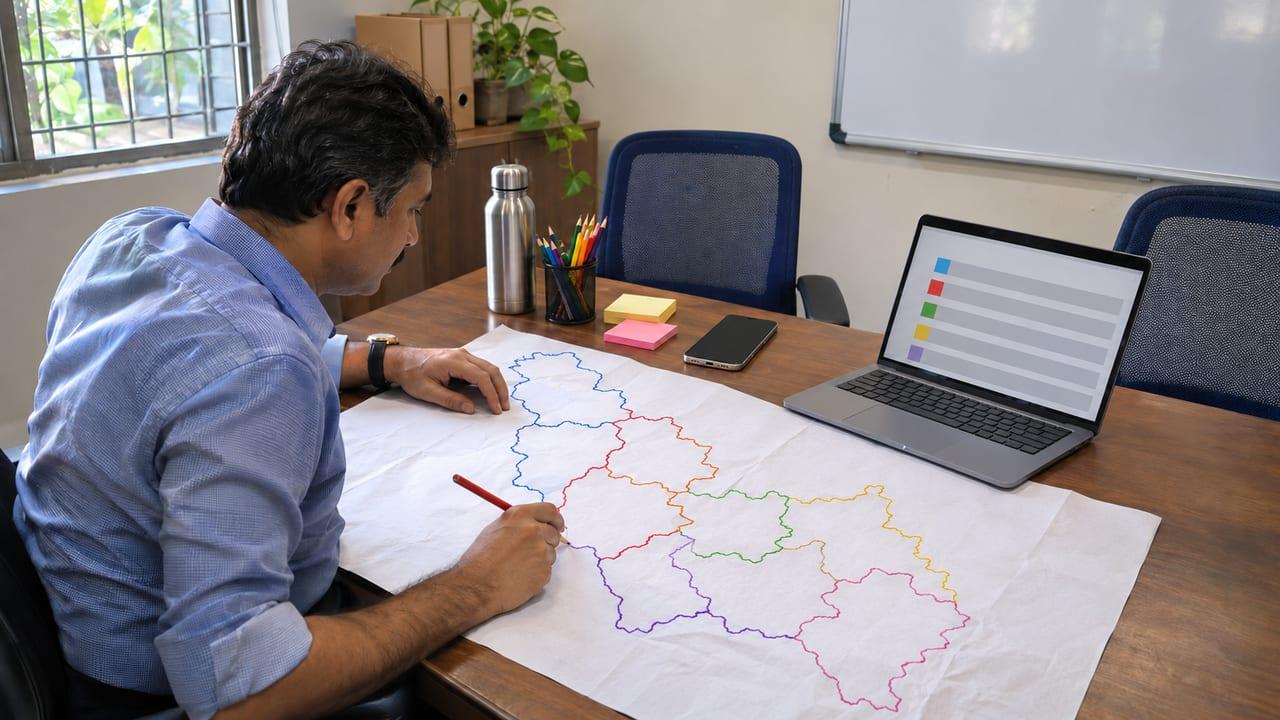
Start with the policy, not the software. Is the territory exclusive, meaning only one dealer may sell your products there, or non-exclusive, meaning it only sets where a dealer is expected to focus? Can a dealer sell online outside their territory? Who handles a customer who sits on a boundary? Territory disputes are commercial arguments; the portal cannot settle them, but it can make the rules visible and consistent.
Once the policy exists, the portal can enforce it in practical ways: a dealer sees only the catalog and schemes valid for their territory, an incoming enquiry from your website is routed to the dealer who owns that postcode or district, and an order that ships outside the assigned area triggers a warning to your team instead of silently going through. A custom portal can model territories exactly as your agreements define them, while many standard B2B platforms only support simple customer groups.
- Define each territory by a list of districts or postcodes, not by a name alone
- Store whether it is exclusive and the effective dates
- Route website enquiries and quote requests to the territory owner
- Warn, rather than block, on out-of-territory orders so a person can decide
Who manages dealer users after launch?
Give each dealer a primary administrator who can invite and remove their own staff, with roles such as ordering only, ordering and invoices, and view only. Otherwise the account ends up shared on one password, and when that person leaves you have no idea who placed which order. Deactivating a dealer should be as deliberate as onboarding one: close open orders, withdraw access and keep the history.
Dealer onboarding checklist
- Is there a short application form that asks only for what a person will review?
- Is the GSTIN checked and the registered name compared with the application?
- Does an approver record the decision, date and evidence for every dealer?
- Is the dealer's acceptance of your terms stored with a timestamp?
- Are tier, credit limit and territory assigned before the account is active?
- Is the territory policy written down, including whether it is exclusive?
- Does each dealer have an administrator who manages their own staff accounts?
- Is there a deactivation process that keeps the order history?
Sources
Rules and guidance this answer relies on. Policies change, so check the current version before acting on it.