The key points
- A click-to-chat link with a prefilled message, printed as a QR code, starts registration; a product-line code in the text tells the bot which warranty terms apply.
- The serial number is the spine of the record: check it against your dispatch list and hold duplicates for review instead of overwriting them.
- A claim is a ticket with evidence, a check against the registration, a service partner, status updates and a closing job sheet.
- Updates sent after the 24-hour reply window need approved templates and the customer's opt-in; keep service and marketing consent separate.
- Store invoices and claim photos in your own storage with a retention rule, and confirm consent wording and retention with your adviser.
How does a QR code on the box start a WhatsApp registration?
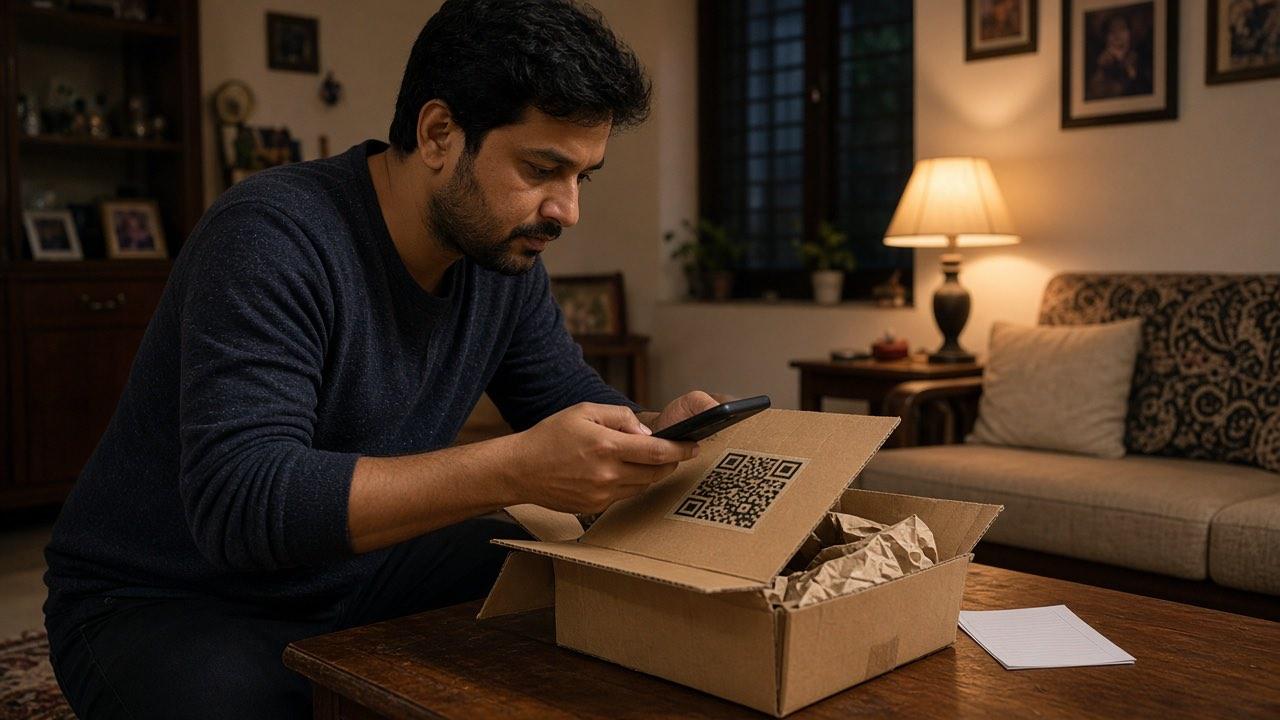
WhatsApp's click-to-chat link opens a chat with your business number and can carry a prefilled message. WhatsApp's help page gives the pattern: wa.me, then the number in full international format, then a text parameter holding the URL-encoded message, which appears in the text field when the chat opens. Encode that link as a QR code and print it on the box, inside the lid or on the warranty card. The customer scans, WhatsApp opens with the words already typed, and one tap sends them.
Put a short product-line code in the prefilled text, for example the model family, so the bot knows which warranty terms and which questions apply before the customer types anything. For serialised products a unique code per unit can carry the serial in the text, with the serial also printed in plain type beside it. Treat the prefilled text as a hint, not as proof: a customer can edit it and anyone can copy a code, so a registration is accepted only after the checks described below.
Print a fallback next to the code: the WhatsApp number and a line such as "Send REGISTER and your serial number". Some customers cannot scan a code on a curved box or in poor light, and an installer handing over a large product can read the number out. The same chat serves every route in, so the backend does not care which one the customer used.
What does the customer do in the registration chat?
A registration chat asks for the minimum that makes a later claim checkable, one prompt at a time, with buttons and lists wherever a typed answer would invite mistakes.
Build it from chat buttons and lists or from a form inside WhatsApp. Meta's Flows reference lists text input, dropdown, date picker and opt-in components, so serial, purchase date, dealer and consent can sit on one screen instead of six messages. Photos arrive as image messages on your webhook. Download each one into your own storage straight away: Meta's media documentation says media IDs and media URLs expire, with the current limits stated there. If those inbound messages never arrive, start with why WhatsApp webhooks fail.
The customer's first message opens a customer service window. Meta's send-messages page says free-form messages need no pre-approval inside that window, so the registration confirmation (product, serial, registration reference, warranty end date) goes out immediately as an ordinary reply. Anything you send after the window closes, such as a claim status or an expiry reminder, must be an approved template, and Meta's templates overview requires each template to carry one of three categories and to be approved before it is sent. Confirm the category on each template, because it affects pricing.
WhatsApp's business policy allows messaging only people who gave you their number and opted in to hear from you, and it recommends separate opt-in for each message category. Ask for service messages (confirmations, claim updates) and for offers (extended warranty, accessories) as two separate choices, both unticked by default, so a later bulk offer on WhatsApp reaches only the customers who ticked the second box. The same policy lists payment card numbers, financial account numbers and personal ID numbers as things not to request on WhatsApp, so the flow never asks for them.
- Serial number: typed, or photographed from the product label and read back for the customer to confirm.
- Purchase date, and installation date for products that are installed rather than carried home.
- Dealer or store, picked from your dealer list so names match your records.
- A photo of the invoice, which shows the purchase date, the dealer and the buyer.
- Pincode, which later routes a claim to the nearest service partner.
- Consent: one choice for service messages, a separate one for marketing.
How does a warranty claim run from first message to closure?
A claim is a ticket that moves through fixed stages, each with a named owner and a message to the customer. The chat is the front door: the customer writes "Claim" from the number that registered, the bot finds the registration tied to that number, and the ticket itself lives in your own system, where the service partner, your support team and the registration record meet.
Three rules keep claims clean. The claim is checked against the registration record before anything else happens, so a unit that was never registered, or a serial that does not match, is caught on the first message. Evidence is saved when it arrives, because a claim with a fault photo, a label photo and an invoice is decided in minutes instead of days of back-and-forth. And a person makes every decision that ends in a replacement or a rejection, with the evidence in front of them.
What must a warranty record keep, and where does privacy come in?
A warranty record has to answer three questions months later: who owned the product, what proof they gave, and what was decided and by whom.
Set retention with your adviser: registration data for the warranty term plus a period for disputes and accounting, claim photos and videos until the dispute period after closure ends, then purge or archive. Give each service partner access to its own tickets only, and never forward one customer's details to another, which the WhatsApp Business policy forbids.
Registration collects personal data, so the DPDP Act applies to how you ask for it and what you do with it. What India's DPDP Act means for a business website covers the plain-language notice, collecting only what you need, vendor contracts and withdrawal of consent. Apply the same rules inside the chat: show the notice at the first prompt, collect only what a claim needs, and confirm the consent wording and retention periods with your adviser before launch. Keep these fields on every registration and claim:
- Customer name, WhatsApp number and pincode, with the dealer and purchase date.
- Product, model, serial number and dispatch date from your own records.
- The invoice image and the date the registration was accepted.
- Consent entries: what was agreed, when, and which wording version the customer saw.
- Each claim: ticket reference, symptom, evidence, decision, who decided, and the date.
- The service partner's job sheet, the replaced part and its serial where relevant.
Worked example: a kitchen chimney maker's registration and claim
Take a kitchen chimney maker. The carton carries a QR code that opens WhatsApp with "Register CH-200" typed in. The bot recognises the model, asks for the serial from the label, the invoice photo, the dealer and the installation date, finds the serial in the dispatch list, and replies with the registration reference and the warranty end date. Some months later the customer messages "Claim" from the same number. The bot finds the registration, confirms the warranty is active, asks for a photo of the fault and of the label, and books a visit slot. The pincode sends the ticket to the nearest authorised service centre, which gets the photos, serial, invoice and address. The centre's technician finds a failed motor capacitor, so the centre raises a part request through the dealer and service request flow. Updates reach the customer at each stage, and the job sheet photo closes the ticket.
A customer who scans the code and stops halfway is a warm contact, and automatic lead follow-up can pick them up if they opted in. A model can read the label photo and draft a reply, while a person approves any rejection or replacement, as what AI can help a manufacturer with sets out.
We build this as a workflow automation with custom connectors to your ERP, dispatch records and service partners. The WhatsApp Business account, the registration data and the approved templates sit in your name, as the shared access model for agencies describes. A project starts with a written scope of the products, the warranty terms per product line and the claim stages, and runs with a weekly demo of the working flow.
How do you catch duplicate serials and fraudulent claims?
Warranty fraud rarely looks dramatic. It is the same serial registered by two numbers, an invoice with a date edited, a unit from a grey-market shipment, or a dealer registering unsold stock to start a clock. The defence is a few boring checks run on every registration and every claim, each ending in a clear action. Most flags are innocent slips such as a mistyped digit, so the customer-facing wording stays neutral ("we need one more detail") and a person decides anything that could end in a rejection.
The serial master that makes these checks possible comes from your dispatch records. If your orders and invoices already flow through an ERP or Tally integration, the serial and dispatch date load into the registration system automatically, and the check becomes a lookup. The order-to-dispatch side of that chain is covered in turning retailers' WhatsApp orders into Tally sales orders.
Checks that run on every registration and claim, and what the system does with each flag
| Signal | Likely cause | What the system does |
|---|---|---|
| A serial already registered by another number | Resale, a gift, or a copied QR code | Keeps the first record, holds the second for review and offers an ownership-transfer step |
| A serial that is not in the dispatch list | A typing error, a grey-market unit or a counterfeit | Asks for a clearer photo of the label, then holds it for a person if it still does not match |
| Purchase date before the dispatch date, or in the future | A typing error or an edited invoice | Asks the customer to confirm the date and flags the invoice for review |
| An invoice from a dealer who is not on your list | A new dealer, a parallel import or unsold stock registered by the seller | Accepts the registration as pending and sends it to a reviewer |
| Repeated claims on one serial, or a cluster from one pincode | A recurring fault or misuse | Routes to a senior reviewer with the full claim history attached |
| The serial in a claim photo differs from the registered serial | A swapped unit | Pauses the claim and asks the customer to resend the label photo |
A warranty claim, stage by stage
The customer opens the claim
The customer sends "Claim" or taps a menu option from the number that registered. The bot finds the registrations tied to that number and asks which product the claim is about.
Check the claim against the record
The system confirms the serial, the registration status, that the claim date falls inside the warranty term, and that the type of fault is covered. It also looks for an open claim on the same serial, so a second message extends the first ticket instead of creating a duplicate.
Collect the evidence
The bot asks for the symptom from a short menu, a photo of the fault, a photo of the serial label, and a short video where sound or movement matters. It confirms the address and a visit slot. Each photo is saved to your storage as it arrives.
Triage with a person on the hard calls
The claim is sorted into self-fix guidance, repair, replacement, or chargeable and outside warranty. Repairs inside warranty can proceed automatically. A replacement or a rejection goes to a named reviewer with the evidence attached, and the customer is told a person is reviewing it.
Route to the service partner
The pincode selects the authorised service partner. The partner receives the ticket with product, serial, invoice, photos and address, and can request parts through the spare-parts and service request flow.
Track and update
The customer gets a ticket reference and a message at each stage: received, assigned, visit booked, resolved. Replies inside the 24-hour window are free-form; later updates use approved templates.
Close with proof
The partner uploads a job sheet photo and the serial of any replaced part. The customer confirms the fix or reopens the ticket, and the registration record is updated with the outcome.
Before you print the QR code
- A serial master loaded from your dispatch records, so every serial can be checked
- One product-line code per model family, mapped to its warranty terms
- A printed fallback with the WhatsApp number and the word to send
- Separate opt-in choices for service messages and for marketing, both unticked
- Approved templates for each claim stage
- Inbound photos saved to your own storage the moment they arrive
- A named reviewer for every replacement and every rejection
- A retention rule for invoices and claim photos, agreed with your adviser
Sources
Rules and guidance this answer relies on. Policies change, so check the current version before acting on it.