The key points
- Most visitors want the menu, hours, location or a way to order, so put those first.
- A text menu can be read by search engines and updated in minutes; a menu photo cannot.
- Your website, Google Business Profile and delivery listings should show the same hours, phone and menu.
- Restaurant structured data tells search engines your address, hours, cuisine and menu URL.
What are visitors looking for?
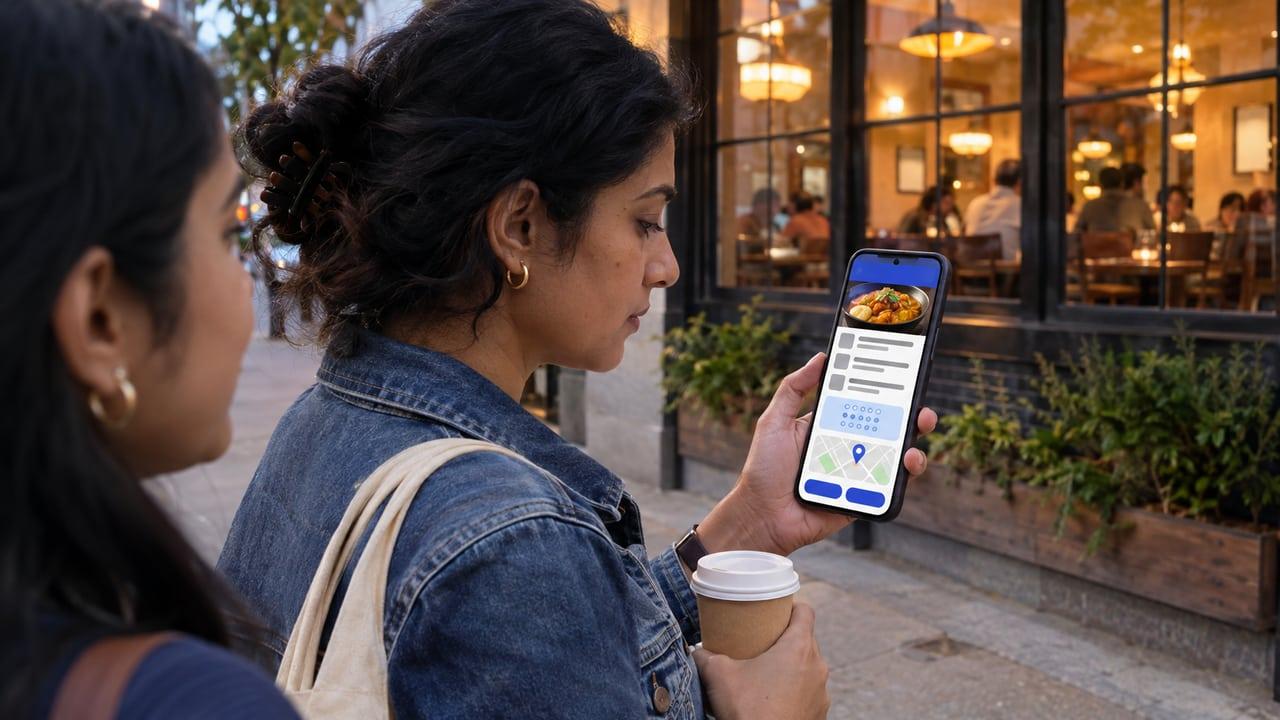
Almost everyone who lands on a restaurant website wants one of four things: the menu, whether you are open, how to get there, or how to order or book. They are usually on a phone, often standing outside or deciding between two places. A home page that opens with a slideshow and makes them hunt for the menu loses them to the next result.
Put those four things at the top of the home page and in the navigation. Everything else, such as your story, events and catering, can come after them. If you want a broader view of how a business site should be planned, our answer on what a landing page should include covers the same principle of one clear next step.
How should the menu be presented?
As text on a web page, organised into sections, with prices and short descriptions. A photographed menu or a PDF is slow on mobile, hard to read, invisible to search engines and usually out of date because changing it means a designer. A text menu can be updated in a few minutes when a dish changes.
Mark dishes as vegetarian or non-vegetarian and note common allergens, because diners ask. If your business has a central FSSAI licence or outlets at ten or more locations, FSSAI's menu labelling rules require calories per serving, allergen information and the veg or non-veg logo on the menu, and your website menu should match what the restaurant displays.
Use the same menu source for the website, the QR menu and your Google profile. Our page on QR menus and kitchen order tickets explains why one source saves trouble in the kitchen as well.
- Sections that match how the kitchen groups dishes
- Prices that match the restaurant, including taxes as you bill them
- Clear labels for vegetarian dishes and common allergens
- A note on which dishes are available for delivery, takeaway or dine-in only
How do ordering and booking fit in?
Give each a clear button. If you take orders directly, link to your ordering page or WhatsApp; if you rely on delivery apps, link to them; many restaurants do both. Our answers on own ordering versus delivery apps and taking orders on WhatsApp help decide which to put first.
Mirror the same links on Google. Google's Business Profile help for restaurants covers adding ordering links and setting a preferred provider, managing bookings, setting special hours for holidays, and managing your menu. When the website and the profile disagree, people trust whichever they saw last, and an outdated one sends them to a closed door.
What helps a restaurant website show up in search?
For restaurants, most search visibility comes from your Google Business Profile and local signals, and the website supports it. Keep name, address and phone identical everywhere. Our answer on what local SEO is and whether you need it explains how those signals work.
Add structured data. Google's documentation on local business markup recommends the most specific type, Restaurant in this case, with name and address required, and recommends properties such as opening hours, phone, cuisine served and the URL of your menu. It also notes that review markup is for sites that capture reviews about other businesses, so do not mark up reviews of your own restaurant.
Speed matters because visitors are on mobile data. Compress photos, avoid autoplay video on the home page and test on a mid-range phone; making a website fast on mobile covers the details.
What else is worth including?
Real photos of the food, room and team, taken in your own light; diners can tell a stock photo. A short about section with who runs the kitchen. Event, catering and large-order details if you do them, with a way to enquire. Your GST and FSSAI details where you are required to show them, and a privacy note if you collect phone numbers for orders.
If you run more than one outlet, give each its own page with its address, phone, hours and any menu differences, instead of one page that lists every branch. Google's local business documentation says to define each location as its own local business, and separate pages let each outlet's Business Profile link to the page that matches it. A diner searching near one branch then lands on the right hours and the right phone number, rather than calling the wrong kitchen.
If you are planning a new site or replacing one, we build restaurant websites as part of our website service, and the restaurants industry page shows how the website connects to ordering and the POS.
Restaurant website checklist
- Menu as a text page with sections, prices and veg and allergen labels
- Opening hours, including special hours for holidays
- Address with a map link and the same phone number used everywhere
- Clear buttons for ordering and reservations
- Restaurant structured data with address, hours, cuisine and menu URL
- Details that match your Google Business Profile exactly
- Real photos, compressed for mobile
- Pages that load quickly on a mid-range phone
Sources
Rules and guidance this answer relies on. Policies change, so check the current version before acting on it.