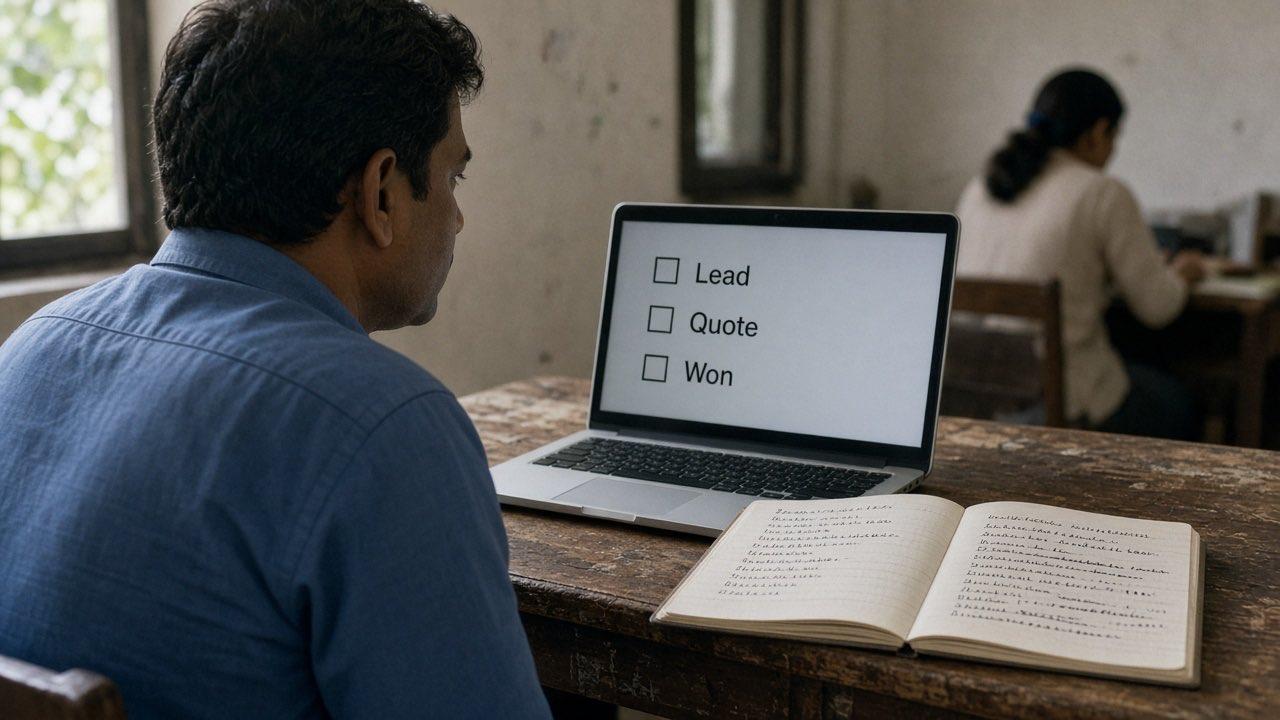
Custom CRM vs Zoho vs HubSpot: an Indian small business faces that choice once a spreadsheet is no longer the system. All three store who you sell to. The decision is which record your business actually runs on, and which of the three can hold that record without a daily workaround. For most Indian small businesses the first system is a packaged CRM. A build is the right system when the packaged vocabulary is the thing your team keeps fighting.
Start from the record, not the logo
Write down the object your team opens first in the morning. A trading company opens an order: the retailer, the credit limit, the items, the invoice, the delivery. A clinic opens an appointment. A school during admission season opens an application. A services firm opens a deal. Only the last of those is what Zoho CRM and HubSpot CRM are built around.
If the morning object is a deal, stay with a product. Do I need a custom CRM is the shorter test for that, and it is the page to read before you commission a build. If the morning object is something else, a product can still be the right place to start, provided you can name the workaround and you are willing to live with it.
The second thing to write down is who may see the record. Two salespeople who see every lead need almost nothing custom. A warehouse user who may confirm dispatch and must not see margins, a branch manager who sees only one city, or an auditor who must see who changed a price: those are permission problems. Products solve them on higher editions. A custom system solves them because you write the rule. Either way, write the rule before you look at a demo.
What each option actually is
Zoho CRM is a sales system: leads, accounts, contacts, deals, activities, and a long feature list that differs by edition. The comparison page on Zoho's own site is the place to see which edition includes which feature, and it also lists the current per-user price. Those prices move, and they sit on top of local tax, so the number in a blog or a vendor screenshot is already stale. Open Zoho's feature comparison on the day you decide.
HubSpot CRM is the same kind of system with a different shape. HubSpot sells a free CRM and paid seats, and it groups extra capability into hubs you add. Its pricing pages show the current seat prices and what each hub includes. Copying a figure from a page you opened last quarter is how quotes go wrong. Open HubSpot's CRM pricing when you are ready to compare seats, and treat anything older as a rumour.
A custom CRM, as we build it, is the screen your team already wishes they had: the order, the admission, the job, with the contact attached. Custom CRM development is that build. It costs more to start than a seat, and it costs less to bend, because the bend is the specification.
| Question | Zoho CRM | HubSpot CRM | Custom system |
|---|---|---|---|
| Built around | Leads, accounts, deals | Contacts, companies, deals | The record you name |
| Where the price lives | Edition comparison page, per user | Pricing page, seats and hubs | A written scope after the record is mapped |
| Confirm on your own number in a trial | Confirm coexistence on your own number | Built to the inbox and rules you specify | |
| Permissions | By edition and role | By seat and permission set | Written for the roles you listed |
| When it is the wrong tool | The record is not a deal and the workaround is the job | Same, or you need objects the hubs do not model | The record is an ordinary pipeline and a product already does it |
Where Zoho fits
Zoho fits a team whose pipeline is ordinary and whose other work already sits in Zoho's wider suite: Zoho Books, Zoho Desk, Zoho Campaigns. The CRM feature list shows leads, accounts, deals, activities, reports and workflow-style automation, with limits that change by edition. The trial has to show whether your own stages, your own required fields, and your own assignment rule exist on the edition you are willing to pay for.
Assignment is the practical test. A lead from the website, a lead from a missed call, and a lead from a salesperson's phone should land on a named person with a deadline. If the edition you can afford cannot do that, the cheaper seat is not cheaper. How to stop leads going stale is the rule set to configure, whichever product you pick.
Zoho is a weak fit when the record carries stock, credit, a delivery challan, or a fee plan, and the team will keep a second spreadsheet for the part the CRM cannot show. Two systems means the CRM becomes a diary and the spreadsheet stays the business. That is the moment to stop adding fields.
Where HubSpot fits
HubSpot fits a team that lives in email and a website form, wants a shared inbox, and will pay for the hubs that contain the automation. The pricing page shows which hub holds each feature. A free CRM that captures contacts is a real product. The follow-up sequences, custom reports, and the WhatsApp inbox connection sit on paid packaging, and the packaging is what you must see in a trial with your own number.
HubSpot's help describes connecting a WhatsApp number so the Business app and the CRM can run together. That is coexistence, and it has limits. Do not accept a slide that says "WhatsApp is supported." Ask them to connect the number you use today and show a message arriving in the inbox while the phone still works. How to choose a CRM for a small business in India walks through that worksheet, including the WhatsApp question, before any vendor demo.
HubSpot is a weak fit for the same reason Zoho is: a distributor, a school, or a clinic that needs objects the CRM does not have will spend the year renaming deals. Renaming is not a data model. If the workaround needs a second sheet, you are already designing a custom record.
When the custom system is the smaller one
A custom system is the smaller one when three things are true at once.
The record is stable. You have run the process on paper or in a sheet for long enough that the fields are not a guess. When a spreadsheet has outgrown the job is the companion test: version conflicts, broken formulas, and people who keep a private copy.
A product demo cannot show the record without a metaphor. "We will use deals as orders, and a custom property as the credit limit" is a metaphor. It works for a pilot of twenty rows. It fails when credit, tax, and delivery each need their own history.
The permission rule is specific. The person who confirms dispatch must not edit the rate. The person who takes the admission enquiry must not see the fee concession. Products can do this. If the edition that can do it costs more than the build, the build is the economical choice. Confirm that with the current price page, not with a number you remember.
What we do not do is build a custom CRM because a seat feels expensive in the abstract. A seat you can cancel is usually cheaper than software you have to maintain. The proposal says which of those you are buying.
Accounts, data, and the week you use to decide
Put the trial in an account your business owns. A demo on the vendor's sample data will always look finished, because the sample data was built for the demo. Your own twenty leads are the only data that can fail in a useful way. The Zoho organisation and the HubSpot portal should be in your name, with a second admin who is not the salesperson who set it up. Export is part of the test: if you cannot leave with your contacts, you have not finished evaluating.
Use one week and one source of leads. Twenty real enquiries, the fields you actually fill, the person who should own each one, and the message you send when nobody has touched it by the next morning. If the product does that on the edition you will pay for, buy the seats. If it only does it with a spreadsheet beside it, stop the trial and scope the record.
A custom build then starts from that same week of evidence: the fields, the roles, the hand-off, and the sheet you are retiring. Migration of old history waits until the new screen has been used for real work. LeadFlow is the other path, for teams whose product is fine and whose problem is that leads still arrive in five places and sit there. Capture and follow-up on top of Zoho or HubSpot is a smaller project than replacing either of them.
GST, Tally, and the second entry
A CRM that cannot see the invoice is a diary. Indian distributors and job shops already keep the tax invoice in Tally or in Zoho Books. The order, the credit note and the outstanding often live there too. If the CRM holds the deal and a person retypes it into the accounts package, you have bought a second data entry, and the two records will drift by the end of the month.
Test this in the trial with one real invoice, not a sample. The item code, the GST treatment and the party name in the accounts package have to match what the CRM stored. If the vendor's connector cannot show that movement on your data, write the connector down as a separate project. A custom system is often the smaller job here because the sales order is shaped to the import your accounts package already accepts, instead of a deal with extra fields that a person still copies.
Do not put the accounts login inside the CRM vendor's organisation if you can avoid it. The books stay in an account your finance person owns. The CRM reads and writes the records you listed. When the integration fails, the failure shows up as a row a person can see, not as a silent skip.
Where the record sits, and who may process it
Before you pay for a year of seats, ask two questions and get the answers from the vendor's own trust or security pages, not from a demo script. Where is the record stored, and who else can process it? A chatbot or an inbox feature that stores the customer's messages is processing personal data under the DPDP Act, because storage is processing. What the DPDP Act means for a chatbot that stores chats covers the notice, the purpose and the retention, and the same duties apply to a CRM inbox. Confirm the contract and the notice with your adviser. A custom build does not escape that. It makes the processor list shorter only when the database and the model key are in accounts you administer.
What you are paying for, without a copied price
| Layer | When you pay | Who invoices | What makes it grow |
|---|---|---|---|
| Seats or the build | Up front, then each term | The CRM vendor, or the company that builds | People added, or scope added |
| Add-ons | When you switch them on | The vendor | Hubs, editions, extra objects |
| WhatsApp and SMS | When messages send | Meta or your SMS provider, often via the CRM's partner | Volume and category, on the current rate card |
| Accounts integration | Once, then when the books change | The builder of the connector | New voucher types, new branches |
| Care | Monthly, if you buy it | The vendor's success plan, or a retainer | Rule changes, new fields, broken syncs |
A custom proposal names the record, the roles, the connector and the test, and it leaves the seat price out because there is no seat.
The hour before the demo
Take this list into the call. If the vendor cannot do an item, the item stays open. It does not become a promise.
- Twenty of your own leads, with the fields your team actually fills.
- The stages you use, in your words, including the stage where a deal dies.
- One assignment rule: who owns a lead from each city or product.
- One WhatsApp number you use today, and a message sent during the call.
- One invoice from Tally or your accounts package, and the matching order.
- The export button, used, so you leave with the contacts you entered.
- The edition or hub that contains the features you just watched, named on the pricing page while you are still on the call.
A demo that cannot survive that hour is a slide. Buy the seats when it can. Scope the record when it cannot.