The key points
- The trigger is the order webhook from Shopify or WooCommerce, not a person watching the dashboard.
- A business-initiated message must be an approved template, and the customer must have opted in.
- A quick-reply tap arrives as a message of type button with the button text and payload, plus the id of the message that held it.
- The order is dispatched only after the status is written back as confirmed.
What does the COD confirmation flow look like?
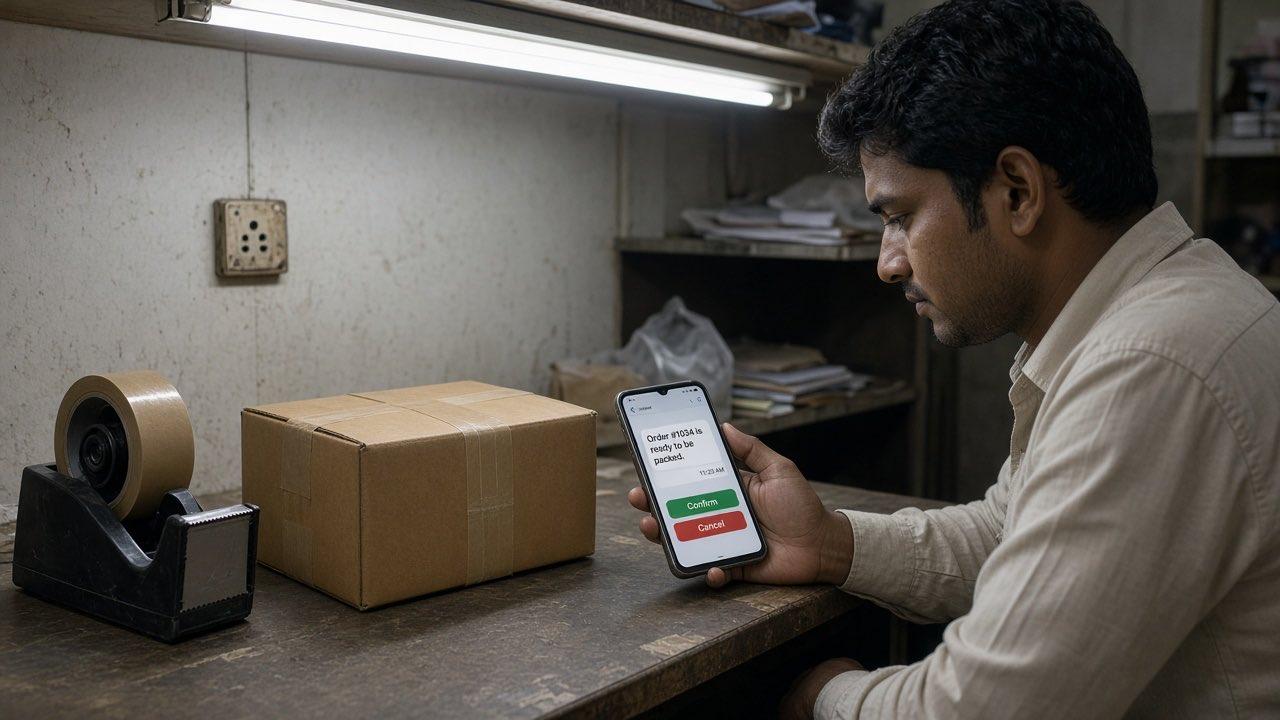
The customer places a COD order. Your store sends an order webhook. An automation creates a pending confirmation, sends a WhatsApp template with the order summary and two buttons, and waits. A tap on Confirm marks the order confirmed and releases it for packing. A tap on Cancel marks it cancelled and frees the stock. No reply inside your chosen window triggers one reminder, then a call task for your team. The goal is simple: a parcel leaves only when a person has said they want it and will pay on the doorstep, which cuts the avoidable return-to-origin (RTO) shipments.
No percentage is quoted because the result depends on your catalogue, pincodes and courier. Measure it on your own orders by comparing the share of returned COD parcels before and after the flow goes live.
Which template and buttons does Meta allow?
Meta's template documentation says every template is categorised as authentication, marketing or utility, reviewed on creation, and only an approved template can be sent. An order confirmation request is written as an order update, and Meta assigns the final category at review, so the wording stays about the specific order.
On buttons, the components reference allows up to 10 quick-reply buttons, each label up to 25 characters. Tapping one immediately sends a message back to the business containing the button's text. Two buttons are enough here, and the button text should name the action, for example Confirm order and Cancel order. Template wording for Telugu, Hindi and other languages needs its own approved template per language, as covered in replying in Indian languages.
How does the order reach WhatsApp?
On Shopify, an app subscribes to the orders/create topic and Shopify posts each new order to your URL. Shopify's webhook documentation lists the X-Shopify-Hmac-Sha256 header for verification, says to ignore duplicates using X-Shopify-Webhook-Id, and states that ordering within a topic is not guaranteed, so a periodic reconciliation job catches anything missed.
On WooCommerce, you add a webhook under WooCommerce, Settings, Advanced, Webhooks, choose the order topic, set the delivery URL and a secret. The WooCommerce webhook guide says a webhook is disabled automatically after more than five consecutive delivery failures, where a failure is any response outside 2xx, 301 or 302. Return 200 quickly and do the WhatsApp work after you respond.
The automation checks the payment method, so only COD orders get the message. Prepaid orders skip it. The same pattern, an event in your store that triggers a template, drives payment reminders too.
How does the tap come back?
Meta's button reply webhook reference shows a message with type set to button, a button object holding payload and text, and a context object whose id is the message that held the tapped button. That context id is how you tie the tap to the right order: store the id returned when you sent the template, against the order number, and look it up when the reply arrives.
If nothing arrives, work through the hops in why WhatsApp webhooks fail. Handle each message id once, so a repeated delivery never confirms or cancels an order twice.
How is the status written back to the store?
On confirm, the automation adds a confirmed tag or a note to the order so your fulfilment team can filter on it. Shopify's Order resource holds tags as a comma-separated string and supports note attributes, and it exposes a cancel call with a cancel_reason of customer, fraud, inventory, declined or other. On cancel, the automation can call it with customer, so stock returns. On WooCommerce, the same step moves the order to the status your team uses for confirmed orders.
Softivum builds this as a workflow automation connected to your ecommerce store, with a chatbot to answer when a customer replies in words instead of tapping a button, for example to change an address. The WhatsApp account stays in your name, and the opt-in is collected at checkout.
COD confirmation: what each step does
| Step | What happens | Where it lives |
|---|---|---|
| Order placed | Store sends the order webhook | Shopify orders/create or WooCommerce order topic |
| Check | Only COD orders continue | Automation |
| Ask | Template with Confirm and Cancel quick replies | WhatsApp Business Platform |
| Reply | Button reply arrives with payload, text and context id | Your webhook endpoint |
| Write back | Tag or status set to confirmed, or order cancelled | Store admin API |
| No reply | One reminder, then a call task | Automation and your team |
| Dispatch | Only confirmed orders are packed | Your fulfilment view |
Before you go live
- Checkout collects WhatsApp opt-in for order updates
- The template is approved, with two quick-reply buttons
- The webhook verifies the signature and answers 200 quickly
- The sent message id is stored against the order number
- Duplicate deliveries are ignored
- Unanswered orders get one reminder and then a call task
- Dispatch reads the confirmed status, not the order alone
Sources
Rules and guidance this answer relies on. Policies change, so check the current version before acting on it.