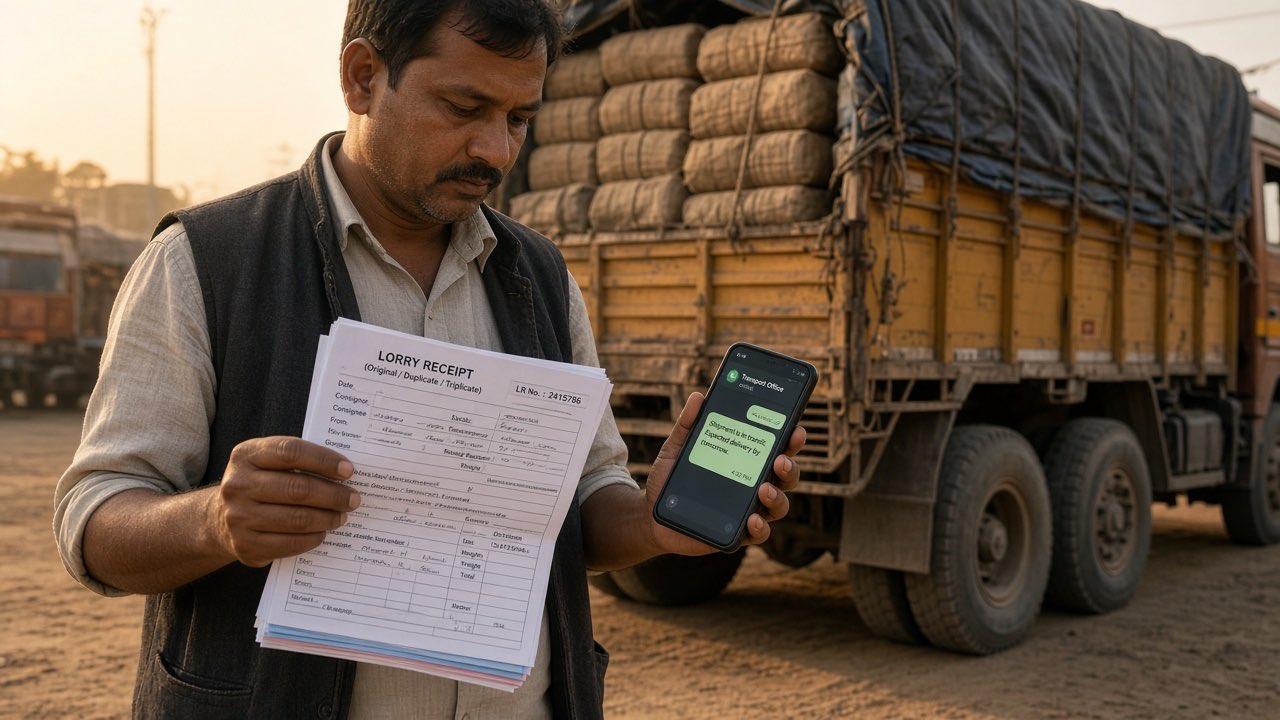
The key points
- One row per LR number holds the status, vehicle, consignee phone and consent; WhatsApp only displays that row.
- Every update is an approved utility-type template, so the category and wording are settled before the first truck moves.
- Opt-in is collected at booking, recorded with a date, and honoured when the consignee opts out.
- Replies open a 24-hour window that a person answers; delays and damage get their own templates.
Why is the LR number the key, and where do the status events live?
The lorry receipt number is the one reference that the consignee, the driver, the booking clerk and the accounts desk all recognise. The consignee reads it off the LR copy that travels with the goods, and the clerk keys it at booking. An invoice number identifies the sale, a vehicle number identifies a truck that carries many consignments, and an e-way bill number identifies a tax document. The LR identifies this consignment on this journey, so the status record is built on it.
That gives one row per LR number, with the invoice numbers, vehicle, e-way bill number, consignee phone and consent flag as attributes of the row. WhatsApp is the channel that displays the row, not the place where the truth lives. A message goes out as a side effect of a status change, so nobody on the booking counter copies and pastes updates, and nobody sends a different story from the one in the system.
Pick one owner for each event. Three systems usually hold them, and a fourth source fills the gaps between scans.
- Transport software: booking, loading or manifest, branch scans and delivery. If you run one, it is the source, and a webhook or scheduled export tells the sender when an LR changes status.
- A sheet: workable for a small transporter, or for a distributor who dispatches through third-party transport. Columns for LR number, consignee, phone, consent, status, vehicle, expected date and last update sent. The status column is a drop-down with fixed values, never free text, because a sender that reads free text sends the wrong message.
- The e-way bill record: Part B carries the vehicle details, entered and changed through the Update Part-B/Vehicle option of the e-way bill system. A Part B update is the natural trigger for the dispatched and vehicle-changed messages. Updating Part B at scale covers that side, and e-way bill support in a distributor portal covers the sender's side.
- Driver or branch staff: a short form or one WhatsApp thread for field events such as arrived at destination, delivery attempted and delivered. Proof of delivery belongs to the same step, handled in capturing proof of delivery on WhatsApp.
What does WhatsApp require before you send these updates?
Three rules shape the design. First, the WhatsApp Business policy allows you to contact people only if they have given you their phone number and you have their opt-in permission. Second, an update you start is a template message, and a template must have the status APPROVED before it can be sent. Template messages are the only type you can send outside a customer service window, and a goods update usually arrives long after the consignee last wrote to you.
Third, every template is one of three categories: authentication, marketing or utility. A consignment update is a plain statement about one specific consignment, which is what utility templates are for. Meta checks the category against the wording when it reviews the template, and a template that mixes promotion into an update is treated as marketing and can be re-categorised after approval. So the dispatch message never carries a new rate card, a festival offer or a request to review your service. Meta prices each message by its category; what WhatsApp API messages cost in India explains how, and current rates sit on Meta's pricing page.
Delivery receipts come back as webhooks with the values sent, delivered, read and failed. Store them against the LR row. A failed receipt on the dispatched message is a task for the clerk to phone the consignee, or for an AI voice agent making a service call under TRAI's rules, and a missing delivered receipt tells you the update did not land. If receipts or replies stop arriving, work through why WhatsApp webhooks fail.
How do you get the consignee's opt-in at booking?
Ask at the point where the phone number is captured. The booking form, the retailer's order form or the dealer portal order screen carries a consent line next to the consignee phone field: the consignee agrees to receive delivery updates for their consignments on WhatsApp. Store the answer, the date and the source (form, portal or WhatsApp) with the LR row, and never send to a row where consent is blank. For a distributor, the natural moment is the order itself, which is why this sits in the WhatsApp order to Tally sales order flow.
Print a QR code or a short link on the LR copy and the delivery challan that opens a chat with your number and a pre-filled word such as UPDATES. A consignee who writes first has started the conversation, which opens a 24-hour window for you to reply and confirm what they will receive. Keep the consent record from that exchange. The policy also recommends separate opt-in by message category, so ask for delivery updates on their own, and ask again if you later want to send anything promotional.
Give every update a way out. A closing line such as "Reply STOP to stop these updates" is added to the template, and the sender checks the opt-out flag before every send. A consignee without consent still gets the delivery, with a call from the driver or the branch.
How should a consignee's reply reach a person?
When the consignee replies, a 24-hour customer service window opens and resets with each new message. Inside it you can answer with ordinary text, images and documents without a template, so a clerk can send a revised ETA, a photo of the goods at the branch or the LR copy as a document. When the window closes, you are back to templates.
Most replies fall into four groups: where is my truck, the vehicle number is different from what I was told, I will not be at the shop, and the goods are short or damaged. Match each group to a queue and an owner. The inbox shows the LR row next to the conversation, so whoever answers sees the status without asking for the number again. A shared number needs rules for who picks up what; how small teams share one WhatsApp Business number covers assignment and hand-over. A WhatsApp chatbot can answer the status question from the LR row and pass everything else to a person, the same pattern a store uses for where is my order questions.
What do you send when a truck is delayed or something goes wrong?
Exceptions get their own approved templates, written before they are needed. The e-way bill FAQ lists the situations that justify extending validity: vehicle breakdown, natural calamity, a law and order issue on the route, an accident and trans-shipment delay. Those are also the situations in which a consignee wants a message; the current extension rules are on the e-way bill portal, and your tax adviser can confirm how they apply to you. The usual set is a delay with a new expected date, a vehicle change with the new vehicle number, delivery attempted with the reason, and a shortage or damage notice that tells the consignee a person will call.
A worked example. A distributor books an LR for a retailer in another town and the retailer has agreed to updates at order. On booking, the retailer gets the booked message with the LR number and consignor name. When the vehicle leaves, the status moves to dispatched and the message adds the vehicle number and expected delivery date. At a trans-shipment point the truck changes, the Part B vehicle is updated, and the vehicle-changed template goes out with the new number so the retailer is not surprised at the shop. A day later the driver reports a breakdown, the clerk sets the status to delayed with a new date, and the delay template goes out. The retailer replies asking whether the goods will arrive before the weekend, the reply appears in the inbox beside the LR row, and a clerk answers with free text inside the window. On delivery, the driver's confirmation moves the status to delivered, and the delivered message closes the thread with the date and time.
What should you leave out of the message?
Keep the content to what the consignee needs to receive the goods: LR number, consignor name, vehicle number, number of packages, expected date, branch contact. Section 3 of the WhatsApp Business policy says not to share or ask people to share full-length payment card numbers, financial account numbers, personal ID card numbers or other sensitive identifiers. That rules out bank account details for a payment and ID numbers for identity checks at delivery. Keep invoice and tax references to a short masked form, and take any sensitive step on a call or in person.
Leave out invoice values and freight charges as well. The phone number on the booking is often a shop counter shared by several people, and a message about money owed is the wrong thing to show on it. Collection and dues reminders are a separate flow with their own templates; see payment reminders on WhatsApp in India.
What goes wrong, and how do you prevent it?
The failures are predictable, so the sender is built to resist them.
- Duplicate sends: a clerk edits a row and the same status fires again. The sender stores the last status sent for each LR and sends only on a change.
- Status moving backwards: a stale sheet overwrites delivered with in transit. Allow transitions in one direction, and route exceptions to the delay templates.
- Wrong phone: the consignee number is the dealer's office line. Validate the number format at booking and confirm it with the first message.
- Empty variables: a template goes out with a blank vehicle number. The sender refuses to send when a required variable is empty and puts the row in a review list.
- Message overload: send the four main events and exceptions only, and send one message per LR even when several LRs travel in the same vehicle.
- Silent failures: receipts stop arriving and nobody notices. A daily check lists LRs where the dispatched message shows no delivered receipt.
Status events, their source and the approved template each one sends
| Status event | Source of the event | Template (utility category) | Variables in the message |
|---|---|---|---|
| Booked | Booking entry in transport software or sheet | Booking confirmation | Consignee name, LR number, consignor, packages |
| Dispatched | Manifest or loading entry, or Part B vehicle update | Dispatch update | LR number, vehicle number, from and to, expected date |
| In transit checkpoint | Branch scan or driver check-in | Transit update | LR number, last location, expected date |
| Arrived at destination | Branch staff or driver | Arrival notice | LR number, branch, contact number, collection or delivery slot |
| Delivered | Driver confirmation with proof of delivery | Delivery confirmation | LR number, date and time, received by |
| Delayed | Dispatcher marks status and new date | Delay notice | LR number, reason in plain words, new expected date |
| Vehicle changed | Part B update after trans-shipment | Vehicle change notice | LR number, new vehicle number |
| Shortage, damage or refusal | Branch or driver report | Exception notice that a person will call | LR number, branch contact |
How to set this up, in order
Fix the status vocabulary
Agree the list of statuses and the allowed order, and put it in the transport software or as a drop-down in the sheet. Every message and every report reads from this list.
Capture phone and consent at booking
Add the consignee phone, a consent line and a date to the booking form. Add the QR code or short link to the LR copy and the delivery challan for consignees who start the chat themselves.
Write and submit the templates
Draft one utility template per status in the table above, with the LR number and vehicle as variables. Keep promotion out, submit them for review, and send only templates with the status APPROVED.
Connect the sender
A workflow reads status changes, checks consent and the last status sent, fills the variables and sends through your own WhatsApp Business Platform account. Workflow automation and custom software are how Softivum builds this link between your transport records and WhatsApp.
Receive receipts and replies
Subscribe to message status and incoming message webhooks. Write receipts to the LR row, and put replies in a shared inbox that shows the LR row beside the conversation.
Run one route, then widen
Send real consignments on one route for a week, review every reply and every failed receipt, adjust the wording, and then add routes.
Before you switch on LR updates
- Every LR has one row with status, vehicle, consignee phone and a recorded consent date
- Statuses come from a fixed list and move in one direction
- Each status has its own approved utility template with no promotional content
- Delay, vehicle change and exception templates are approved before the first truck moves
- The sender checks consent and the last status sent before every message
- Replies land in a shared inbox that shows the LR row, with a named owner for each type of query
- No full ID, bank or payment numbers and no invoice values appear in any message
- Failed and missing delivery receipts produce a task for the branch to phone the consignee
Sources
Rules and guidance this answer relies on. Policies change, so check the current version before acting on it.