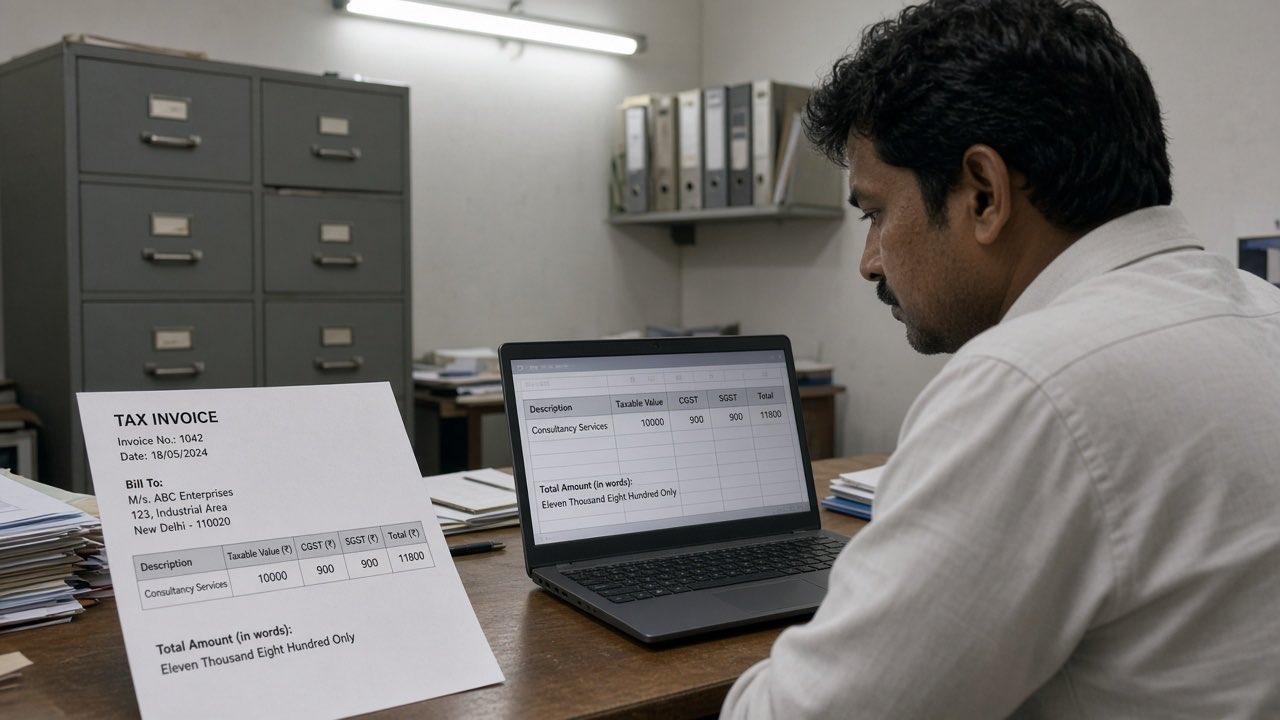
The key points
- Ask the model for a fixed set of fields, with a null where a field is not on the invoice.
- Validate with rules, not with the model: GSTIN pattern, invoice number length, date, HSN length, tax arithmetic.
- A human review queue sits between extraction and the ledger.
- Google Sheets is a good review layer. TallyPrime imports Excel, XML or JSON through its Import Data feature.
- Keep the original file linked to every row so a reviewer can compare.
Which fields does a GST invoice carry?
Rule 46 of the CGST Rules, 2017, published by CBIC, lists what a tax invoice contains. The ones you extract are the supplier's name, address and GSTIN, a consecutive serial number not exceeding sixteen characters, the date of issue, the recipient's name, address and GSTIN if registered, the HSN code, the description and quantity, the taxable value after discount, the rate and amount of central tax, State tax, integrated tax, Union territory tax or cess, and the place of supply for inter-State supplies.
That list becomes your extraction schema. A field the rule requires and the model cannot find is a flag for review, never a guess.
How does the extraction step work?
A scan or PDF goes through OCR if it is an image, then the text and the page layout go to a language model with a prompt that asks for the schema and nothing else. The output is JSON with one object per invoice and one entry per line item, each field either filled or null. Ask the model to return the text it read for each field next to the value, so the reviewer sees where the number came from.
Keep the model's job narrow. It reads. It does not decide whether the GSTIN is valid or whether the tax adds up. Those checks are plain code, so they behave the same on every invoice. This is the pattern behind our AI integrations: the model drafts, a person approves.
What should the validation step check?
Use the GST system's own field rules where they are published. The e-invoice schema on the NIC sandbox defines a GSTIN as two digits followed by thirteen letters or digits, with URP allowed for an unregistered buyer. It defines the document number as 1 to 16 characters, starting with a letter or a non-zero digit, followed by letters, digits, slash or hyphen. The date format is DD/MM/YYYY, the HSN code is 4, 6 or 8 digits, and place of supply is a state code.
The CBIC rules say a GSTIN carries the state code in two characters, the PAN or TAN in ten, an entity code in two, and one checksum character. So the first two characters should be a valid state code, the next ten should look like a PAN, and the last character is the check character. A format match is the first gate. The authority is the GST portal's Search Taxpayer function, which confirms the GSTIN is registered. Confirm the registration status for suppliers whose input tax credit you will claim.
Then check the arithmetic and the tax head. Taxable value times the rate should equal the tax amount within rounding. Rule 46 lists central tax, State tax and integrated tax as separate heads, so a supplier in your state normally shows CGST and SGST and an inter-State supplier shows IGST. Compare the GSTIN state codes and place of supply with the heads the invoice used, and flag a mismatch. Confirm tax treatment questions with your CA.
Where should a human step in?
Every row that fails a rule, every row with a null in a required field, and every supplier you have not seen before goes to a review queue. A Google Sheet works well here: one row per invoice, the extracted values, a column for the validation result, a link to the original file, and an Approved column. The reviewer corrects the cell and ticks Approved. Only approved rows move on.
Rows that pass every rule can follow the same path with a sampling check, so a person still looks at a share of them. You decide the share. Corrections the reviewer makes are stored, which tells you which fields the extraction misreads and where the prompt or a rule needs to change. The same pattern of a chat request and a secure upload applies when a CA firm collects client documents on WhatsApp.
How do the rows get into Tally?
TallyPrime's Import Data feature takes Excel, XML or JSON, and importing Excel data into TallyPrime covers preparing the sheet and reading the exceptions. For your own Excel layout, mapping templates link your columns to TallyPrime fields without changing the sheet, and sample Excel files from Tally need no mapping. The import guide lists Date, Voucher Type and Debit/Credit Amount as the mandatory voucher fields.
The same guide lists the GST fields to include on sales vouchers so invoices do not show as Uncertain in the GSTR report: Bill To/From, address, state, GST Registration Type, GSTIN/UIN and Place of Supply, among others. It also says that with Overwriting Vouchers (XML format) on, a voucher with a matching GUID is overwritten instead of duplicated, and that the Exceptions Report shows missing mandatory fields, invalid names and incorrect GST details before you complete the import. Your party ledgers and tax ledgers must already exist in the company before the import runs.
For billing that must be reported to the invoice registration portal, see GST e-invoicing in billing software. For turning retailer orders into Tally vouchers, see WhatsApp orders into Tally sales orders.
How does Softivum build this?
The extraction is an AI integration with a fixed schema, a model chosen for the task and a fallback provider. The surrounding steps are a workflow automation: invoices arrive from an email inbox, WhatsApp or a shared folder, pass through extraction and validation, land in the review sheet, and approved rows are written to the output you choose, Google Sheets or an import file for Tally. Each run is logged and a failed step alerts a person. The accounts and the sheet stay in your name, and the data handling is settled before the build starts.
Checks to run on every extracted invoice
| Field | Rule to check | Source of the rule | If it fails |
|---|---|---|---|
| GSTIN | 15 characters: two digits then 13 digits or capital letters | NIC e-invoice schema; CBIC Rule 10 | Review queue, then Search Taxpayer |
| Invoice number | 1 to 16 characters, letters, digits, slash, hyphen | CGST Rule 46; NIC e-invoice schema | Review queue |
| Date | Valid DD/MM/YYYY date | NIC e-invoice schema | Review queue |
| HSN | 4, 6 or 8 digits | NIC e-invoice schema | Review queue |
| Tax heads | CGST and SGST, or IGST, to match the supply | CGST Rule 46 | Review queue |
| Taxable value and tax | Value times rate equals tax within rounding | Your own arithmetic rule | Review queue |
Before the extraction goes live
- The schema matches the fields in Rule 46 that you need
- Every extracted field is null when the invoice does not show it
- GSTIN, invoice number, date and HSN are checked by code, not by the model
- Tax heads are compared with the state codes and place of supply
- Every row reaches a reviewer before it reaches Sheets output or Tally
- The original file is linked from every row
- Tally masters exist and a test import has been run in a copy of the company
Sources
Rules and guidance this answer relies on. Policies change, so check the current version before acting on it.