The key points
- Scheduling works by chair, dentist and procedure length, because a root canal and a scaling do not occupy a chair for the same time.
- The clinical core is a tooth chart linked to a phased treatment plan, an estimate the patient accepts, and signed consent.
- Lab cases, recalls and part-payments are where generic clinic software fails dental practices.
- Ask every vendor how you export your records and images if you leave, before you sign.
What does a dental practice need that general clinic software misses?
General clinic software is built around a consultation: a patient arrives, sees the doctor, gets a prescription and pays. Dentistry runs on chairs, multi-visit treatments and outside labs. A crown can take three visits, a lab job, an impression or a scan, a try-in and a fitting, with the patient paying in parts along the way. Implants and aligners stretch over months. Software that treats each visit as a separate bill loses the thread, and the front desk ends up keeping the real plan in a notebook.
So the test for any product, or for a custom build, is whether it follows one treatment plan from the first chart to the last instalment, across chairs, dentists, the lab and the patient's reminders.
How should appointments and chairs be scheduled?
The calendar is per chair and per dentist at the same time. Each procedure type carries a default length, so booking a root canal blocks the right time without the receptionist guessing, and the system stops two patients landing on one chair or one dentist double-booked across chairs. Visiting consultants, such as an orthodontist or oral surgeon who comes in on set days, get their own days and their own chair assignments.
Online and chat bookings should write into the same calendar, so nobody re-enters a slot. Whether an AI receptionist can book straight into practice software depends on the product exposing a booking interface; ask about it before you buy, not after.
What should the clinical record hold?
A tooth chart that follows the numbering your dentists use, with conditions, existing work and planned work marked per tooth and per surface, and a periodontal chart where the practice records pocket depths. Medical history and allergies sit at the top of every record, with a flag the dentist sees before treatment. Clinical notes are written against the visit and the tooth, not in a free-text box nobody can search.
From the chart comes the treatment plan: procedures grouped into phases, each with the fee from your price list, so the patient can take home a clear estimate, accept all or part of it, and see what is done and what remains at every visit.
- Consent forms per procedure, signed on a tablet and stored against the treatment, with the version of the form the patient saw.
- Before and after photographs and intraoral scans attached to the tooth or the treatment, viewable only by clinical staff.
- Prescriptions generated from the visit, printed or shared as a link, with the dentist's details on them.
How should X-rays and images be stored?
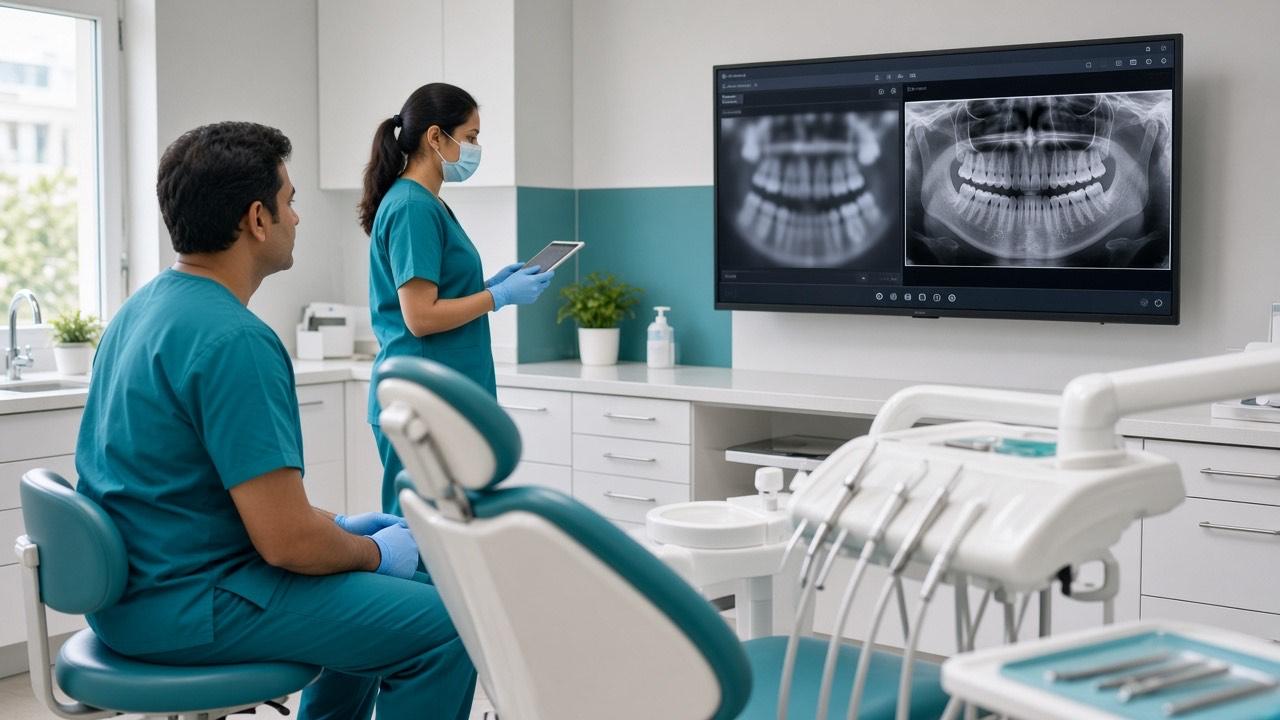
Digital X-ray sensors, OPG machines and CBCT scanners each produce images through their own software, often in DICOM, which its standards body describes as the international standard for medical images and related information, recognised by ISO as ISO 12052. Clinic software should import those files against the right patient and visit, show them next to the chart, and keep the original file, not just a compressed screenshot.
Two questions settle most of this with a vendor. Can the software receive images directly from your imaging machines, or does someone export and upload each one by hand? And where do the full-size images live: on a clinic server, in the vendor's cloud, or both? CBCT volumes are large, so the answer decides your internet plan and your backup.
What should billing and GST handling look like?
Billing follows the treatment plan, not the visit. The patient pays an advance, part-payments against phases, and the balance at the end, and the system shows exactly what is paid and due against each procedure. It needs receipts, refunds and credit notes, discounts approved by a named person, and a daily collection report by payment mode that the owner can match against the bank.
Tax handling has to be configurable per item, because treatment, products sold over the counter and lab charges may not carry the same GST treatment. Your CA decides each one; the software only applies the setting. Most patient bills are business-to-consumer, and the GST e-invoice mandate states that B2C transactions are not covered. A practice that bills companies, for example under a corporate tie-up, should read whether your billing software needs GST e-invoicing and confirm the position with its CA.
How should lab work, recalls and reminders be tracked?
Every lab case gets a record: the patient, the tooth, the work ordered, shade, material, the lab, the date sent, the promised return date and the lab's charge. The system warns the front desk when a case is due back before the patient's fitting appointment, and when one is late. It is the feature that stops a patient arriving for a fitting the lab has not finished.
Recalls are set by the dentist per patient: a hygiene recall, a post-treatment review, an aligner check. The software lists who is due each week and sends reminders. On WhatsApp, a reminder the clinic starts must be an approved template under the WhatsApp Business Messaging Policy, and the patient must have opted in. Keep reminders to the date, time, dentist and address. Reactivating patients who are overdue is one of the fastest ways to fill a diary, as getting more new dental patients explains.
What about multiple branches, access and backups?
A group with two or more branches needs one patient record across all of them, so a patient treated in one branch can be seen in another, with chairs, stock, collections and reports split by branch and rolled up for the owner. Staff access is by role and branch: reception sees appointments and bills, the dentist sees the clinical record, the owner sees everything, and every view of a record is logged.
Patient records are personal data under the Digital Personal Data Protection Act, 2023, which requires reasonable security safeguards to prevent a personal data breach and notice of a breach to the Board and to each affected person (section 8). In practice that means encrypted backups that run daily without anyone remembering, a tested restore, and staff logins removed the day someone leaves. Confirm retention periods with your lawyer.
Should a dental practice buy software or have it built?
Most single-chair and two-chair practices should buy. Mature dental products cover scheduling, charting and billing well, and a monthly subscription costs less than owning code. Custom software makes sense when the practice runs several branches with a shared patient base, offers treatments the products model badly, such as long aligner programmes with staged payments, or needs its lab, WhatsApp and accounts to work as one system. The general reasoning is in when to build custom software instead of buying.
Softivum builds the custom route and the pieces around a bought product: a booking and reminder AI chatbot that writes into your calendar, the reports the owner actually reads, and data exports that keep the records in the practice's hands.
Dental practice software: ready-made product or custom build
| Need | Ready-made dental product | Custom build |
|---|---|---|
| Chair and dentist scheduling | Covered by most products | Built to your chairs, consultants and procedure lengths |
| Tooth chart and treatment plans | Covered; check the plan-to-bill link | Built only if the products miss how you plan treatment |
| X-ray and scan import | Depends on the product's imaging integrations | Built against your machines' export formats |
| Lab case tracking | Often basic or missing | Full case record with due-date alerts |
| Staged payments over months | Varies; test with a real aligner case | Modelled on your payment schedules |
| WhatsApp reminders and booking bot | Usually SMS, sometimes WhatsApp add-ons | Connected to your own WhatsApp Business account |
| Several branches, one patient record | Higher plans of some products | Designed in from the start |
| Running cost | Monthly subscription per branch or user | Build once, then hosting and support |
Questions to ask every dental software vendor
- Can I export all patient records, charts, bills and full-size images in a usable format if I leave?
- Does one treatment plan carry through charting, estimates, part-payments and lab cases?
- Which X-ray sensors, OPG and CBCT machines does it import from directly?
- Can tax treatment be set per item by my CA?
- Does it send WhatsApp reminders from my own business account, with opt-in recorded?
- How are backups run, where are they stored, and when was a restore last tested?
- Can access be limited by role and branch, and is every record view logged?
- Can online and chatbot bookings write directly into the chair calendar?
Sources
Rules and guidance this answer relies on. Policies change, so check the current version before acting on it.