The key points
- Trigger on a completed job or visit, not on a sale or an enquiry.
- Send the same link to every customer. Google prohibits selectively soliciting positive reviews.
- No discounts, gifts or free services in return for a review. Google treats that as fake engagement.
- WhatsApp needs the customer's opt-in. Collect it when you take the booking.
- Log each request so no customer is asked twice.
What does Google allow you to ask?
Google's Maps user-generated content policy lets a business solicit or encourage content that represents a genuine experience. It rules out four things you will want to design around. Offering incentives such as payment, discounts, free goods or services for a review. Discouraging or prohibiting negative reviews, or selectively soliciting positive reviews. Requiring or pressuring customers to write reviews while on the premises. Asking that specific content be included.
Google's own help page for reviews says reviews must reflect a genuine experience and that offering free or discounted goods or services in exchange for a review is strictly prohibited. It also notes that customers must be signed in to a Google Account to leave one.
How do you get the review link?
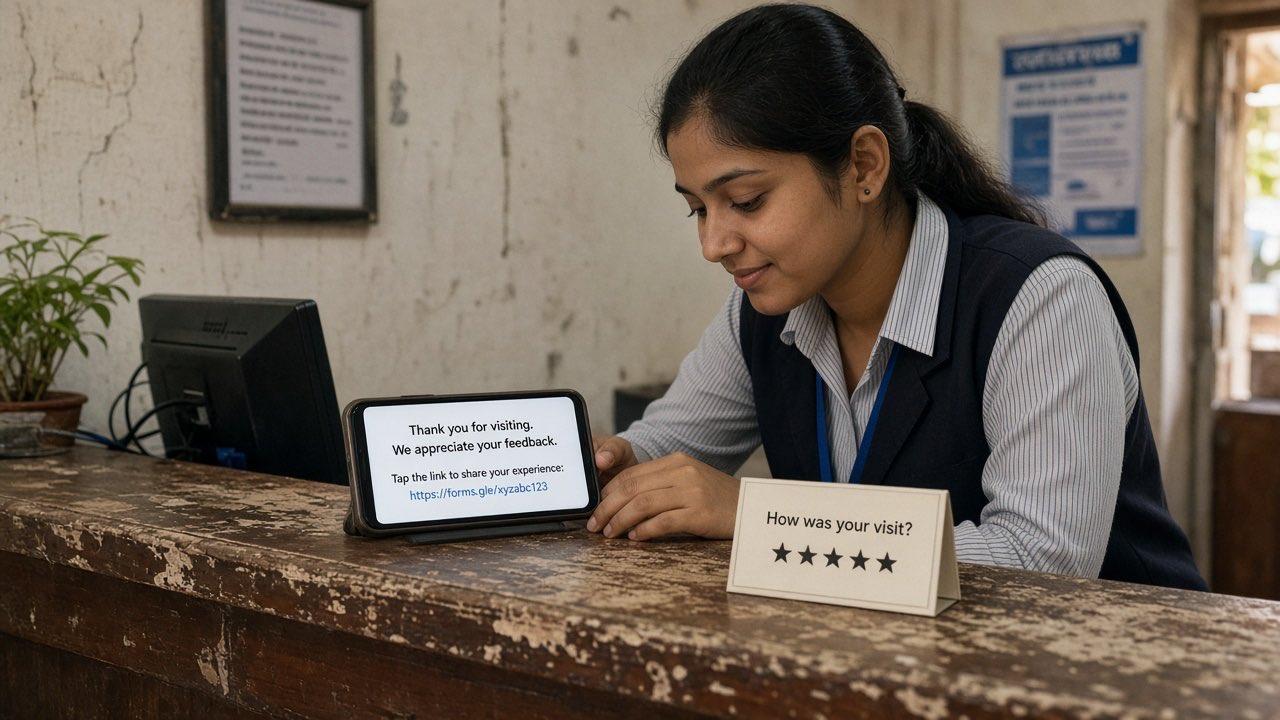
Google documents the steps in Create a Google link or QR code to request reviews. Open your Business Profile on a computer browser, choose Read Reviews, then the Get more reviews share icon, and copy the link or save the QR code. The page suggests sending it by email or WhatsApp, and placing it on receipts, in thank-you emails or at the end of chats.
Store that link once in your automation. Every message uses the same link, which also keeps the process clean against the gating rule.
What triggers the request?
The trigger is a status change in the tool that already knows the job is finished: a booking marked completed, an invoice marked paid, a job card closed, a table bill settled. The workflow waits a delay you choose (a few hours for a restaurant meal, a day for a dental visit, a day or two for a service job), then sends.
Add one guard: skip customers who were asked within a window you set, so nobody receives the request twice. Do not add a rule that holds the request back from customers who seem unhappy, because Google prohibits selectively soliciting positive reviews. A separate feedback line can go to everyone as a second sentence, next to the Google link, and never in place of it.
Which channel should carry it?
WhatsApp suits customers who already message you. Meta's Business Messaging Policy requires that the person has given you their number and that you have received opt-in permission from the recipient, and it leaves the method of collecting that opt-in to you. Tick the opt-in at booking or at billing and store it with the customer record. Meta's template guidelines describe utility templates as non-promotional and triggered by a user action, and marketing templates as covering a wide range of goals, so submit the template and see which category Meta assigns. Our WhatsApp Business API pricing page explains how categories affect cost.
SMS reaches customers without WhatsApp, and email suits invoiced work where the customer already receives a receipt. A single workflow can try WhatsApp first and fall back to SMS or email when the customer has no opt-in. One short message with the business name, the visit it refers to and the link is enough.
What does a good request message say?
Name the visit or job, thank the customer, and put the link on its own line. Do not ask for five stars, do not offer anything in return, and do not tell the customer what to write. Google's policy lists asking that specific content be included, so the message leaves the content open.
Reply to reviews as they arrive. Google's help page says replies must follow the same policies and should avoid offers or promotions. A workflow can alert the owner when a new review lands so the reply is written by a person.
Where does it fit for a dental practice or a restaurant?
A dental practice trigger is the appointment marked completed in the practice software, and the request goes out the next day with the customer's WhatsApp opt-in taken at booking. How local SEO works for dentists covers why the profile and its reviews matter for searches near the clinic. A restaurant trigger is the settled bill or delivered order. Taking orders on WhatsApp already gives you the opted-in conversation to continue, and a restaurant chatbot sends the request after the visit. The broader pattern is in capturing and following up leads automatically. A guest house or homestay sends the same request the morning after checkout, as in the hotel chatbot flow.
How does Softivum build this?
A workflow automation on n8n, Make or Zapier reads the completed-job event from your booking, billing or CRM tool, applies the delay and the skip rules, sends through your WhatsApp Business account, SMS provider or email, and writes each send to a log with a failure alert. The accounts and the review link stay in your name. Leadflow is the right shape when you also want enquiries captured and followed up in the same system.
Review request channels compared
| Channel | Best for | What to set up first | Watch for |
|---|---|---|---|
| Customers who already chat with you | Opt-in stored at booking, approved template | Opt-in is required under Meta's policy | |
| SMS | Customers without WhatsApp | Sender and message approved with your SMS provider | Keep the message short with one link |
| Invoiced or B2B work | Receipt or thank-you email template | Send as a separate message, after the receipt | |
| QR code on receipt or at the counter | Walk-in customers | QR from your Business Profile | Do not pressure customers on the premises |
Before the first request goes out
- The review link or QR is copied from your own Business Profile
- The trigger is a completed job, visit or settled bill
- Every customer gets the same message and the same Google link
- No discount, gift or free service is tied to a review
- WhatsApp opt-in is captured and stored before any WhatsApp send
- Each send is logged so a customer is not asked twice
- New reviews alert a person who writes the reply
Sources
Rules and guidance this answer relies on. Policies change, so check the current version before acting on it.
- Google Maps policy: user-generated content (incentives, selective solicitation)
- Google Business Profile Help: customer reviews
- Google Business Profile Help: Create a Google link or QR code to request reviews
- WhatsApp Business Messaging Policy (opt-in)
- Meta for Developers: WhatsApp template category guidelines