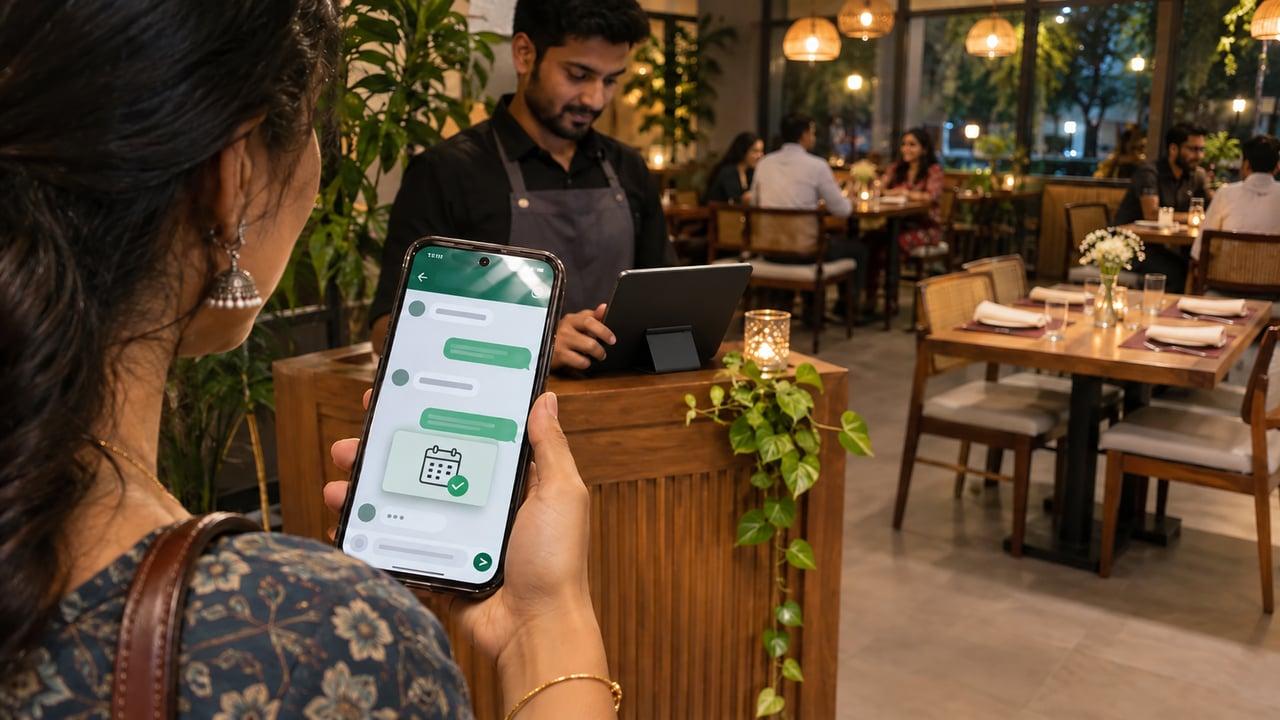
The key points
- Bookings and the waitlist are the biggest job after ordering, because they arrive at the same hours the phone goes unanswered.
- Menu and allergen answers come only from a menu file the kitchen signs off; anything outside it goes to a person.
- Parties, catering and complaints are collected by the bot and closed by a manager.
- Review requests go to every guest with the same link, and offers go only to guests who opted in.
Which jobs should a restaurant chatbot take off the phone?
Look at what actually reaches a restaurant's WhatsApp and Instagram inbox in a week. Orders are one stream, and taking restaurant orders on WhatsApp covers that flow from catalog to kitchen. The rest is a steady run of the same questions: is there a table for four at 8.30, are you open on Monday, does the paneer tikka have cashew, can you do lunch for forty in the office next Friday, why did my booking not come through.
Many of those arrive during dinner service, when the person who should answer is running the floor. The bot owns five jobs: bookings and the waitlist, menu and allergen questions, party enquiries, feedback after the visit, and offers to regulars. Each has a rule about where the bot stops, and those rules are most of the build. A stay adds a multi-night calendar and an advance payment, covered in what a hotel or homestay chatbot should handle.
How should the bot handle table bookings and the waitlist?
A booking needs four facts: date, time, party size and a name with a phone number. The bot reads them from the guest's message, checks them against your capacity rules, and either confirms or offers the nearest open slots. Capacity rules make it reliable: covers per slot, how long a table is held, which tables join, which slots are walk-in only. The calendar mechanics, holds and double-booking protection, work the same way as in booking appointments with an AI chatbot.
When a slot is full, the bot offers the waitlist instead of a flat no. The guest picks a window, the host marks a table free on a tablet, and the bot messages the next guest in line with a short time to confirm. When the table frees up within 24 hours of the guest's last message, that reply sits inside WhatsApp's 24-hour customer service window; later than that, it goes out as an approved utility template. A same-day reminder for a booking made a week earlier also falls outside the window, and the WhatsApp Business Messaging Policy allows those messages only through approved templates. Meta's template categorization guide says utility templates must be non-promotional, so the reminder carries no offer. Cancellations and changes run through the same thread, and each one frees the slot for the waitlist.
How does it answer menu, allergen and timing questions without guessing?
The bot answers from one menu file: every dish with its ingredients, declared allergens, veg, Jain or egg tags, spice level and serving hours. The kitchen owns that file and signs off every change. A language model phrases the reply, but the facts come only from the file, the retrieval pattern explained in what a RAG chatbot is. If a dish or ingredient is missing, the bot says it will check with the kitchen and passes the chat to a person, instead of guessing what a dish usually contains.
For chains this is also a compliance point. FSSAI's FAQ on display of information says food service establishments with a central licence or 10 or more outlets must list allergen information next to the food item on menu cards or boards, and that online delivery listings must carry the same information. A chatbot drawing on that same allergen list keeps every channel consistent. Confirm your own obligations with your food safety consultant.
Allergy questions get one extra rule: the bot reports what the menu declares and never promises a dish is safe, because cross-contact in a shared kitchen is for the staff on shift to judge. Last orders, brunch hours and holiday closures come from a schedule the manager updates, which also feeds your restaurant website and Google profile.
What does a restaurant chatbot conversation look like?
Three sample WhatsApp exchanges for a single-outlet restaurant, each stopping where it should.
- Booking with a waitlist. Guest: Table for 6 tomorrow at 8? Bot: 8 pm is full for six. I can do 7.15 or 9.30, or put you on the waitlist for 8. Guest: Waitlist. Bot: Done. You are second in line for 8 pm tomorrow. If a table opens I will message you here, and you will have ten minutes to confirm.
- Allergen question. Guest: Does the malai kofta have nuts? Bot: Yes. Our menu lists cashew in the malai kofta gravy. Dishes without declared nuts include the dal tadka and the jeera aloo. Our kitchen handles nuts, so if the allergy is severe, tell the staff when you order. Shall I note it on your booking?
- Party enquiry. Guest: Can you do lunch for 35 on the 14th for an office team? Bot: Yes, we take group lunches. To get you a menu and a quote from our manager I need three things: veg and non-veg split, the time you want to start, and whether you are dining here or need delivery. Guest replies. Bot: Thanks. Our manager will call you on this number by 6 pm today.
When should the bot hand the guest to a manager?
Party bookings, catering, birthdays with a cake order, corporate lunches and outdoor events are high-value and specific, so the bot's job is to collect the brief and get out of the way: date, headcount, veg and non-veg split, venue, start time and the guest's name. The manager gets one card, not twenty messages, and the guest gets a callback time. Event-heavy businesses run the same intake at a bigger scale, described on our events and banquets page.
Complaints, refund requests, a guest who is upset, and any allergy question the menu file cannot answer go straight to a person. This is a platform rule as well as good service: the WhatsApp Business Messaging Policy allows automation during the 24-hour window but requires a prompt, clear and direct escalation path, with in-chat transfer to a human agent listed first. In practice the hand-off lands in a shared inbox the manager reads on a phone, set up as in sharing one WhatsApp Business number across a team.
How should feedback and Google review requests work after a visit?
The bill or the booking marks the visit as complete. A few hours later the bot sends one short message with a one-tap rating and the Google review link. Google's policy on fake engagement prohibits offering incentives such as discounts or free goods for reviews, and prohibits selectively soliciting positive reviews or discouraging negative ones. So every guest gets the same link, whatever they rated, and no dessert is offered in exchange.
A low rating also opens a chat with the manager, who can call the guest that evening, the most valuable thing the flow does. Timing, link format and channel are set out in requesting Google reviews automatically.
How do offers reach regulars without getting the number blocked?
A festive menu, a weekday lunch deal or a new branch opening is a marketing message. Under the WhatsApp Business Messaging Policy, you may message someone only after they give you their number and opt in to further messages, and you must honour every request to stop, on or off WhatsApp. Meta's message template documentation also describes a limit on how many marketing templates any one WhatsApp user receives from businesses, so a large send can lose messages to that cap before anyone has a chance to block the number.
The bot collects opt-in where it is natural: a tick at booking, or a question after a good rating asking whether the guest wants to hear about new dishes. Offers then go to that list in approved marketing templates, segmented by what the guest actually ordered or booked, and every message carries a way to stop. Meta charges per template message; current rates are in our WhatsApp Business API pricing breakdown.
How does Softivum build a restaurant chatbot?
We build the bot on the WhatsApp Business Platform, with the same brain on your website chat and Instagram, as part of our AI chatbot service. The menu file, capacity rules and hours live in one place your manager edits. Bookings, waitlist entries, party briefs and ratings flow into a sheet or your POS through workflow automation. Replies work in Telugu, Hindi and other languages as multilingual chatbots do, with each template approved per language. The WhatsApp account and guest data stay in the restaurant's name.
Restaurant chatbot jobs: what the bot does, what it reads and when staff take over
| Job | What the bot does | Data it reads | Staff take over when |
|---|---|---|---|
| Table booking | Confirms a slot or offers the nearest open ones | Capacity rules and the booking table | The guest asks for a specific table or a large group |
| Waitlist | Queues the guest and messages them when a table frees | Host's table status | The guest arrives without a booking |
| Menu and allergens | Answers from declared ingredients and tags | The menu file the kitchen signs off | The item is not in the file or the allergy is severe |
| Parties and catering | Collects the brief and promises a callback time | Event intake form | Always, once the brief is complete |
| Feedback and reviews | Asks for a rating and shares the review link with everyone | Bill or booking marked complete | A rating is low or a complaint is written |
| Offers | Sends approved marketing templates to opted-in guests | Opt-in list and visit history | A guest replies with a question |
Before the bot answers its first guest
- The menu file lists ingredients, allergens and veg, Jain or egg tags for every dish, signed off by the kitchen
- Capacity rules per slot and table hold times are written down
- The host can mark a table free in one tap so the waitlist moves
- Booking reminders and review requests are approved templates with no offer inside
- Opt-in for offers is collected separately and stop requests are honoured at once
- Party, complaint and unanswered allergy chats land in a shared inbox with a named owner
- Every guest gets the same Google review link, with no incentive attached
Sources
Rules and guidance this answer relies on. Policies change, so check the current version before acting on it.